YARH.IO M4
Raspberry Pi 4B Handheld
The M4 is the third generation of YARH.IO handhelds — and the first one that actually feels like a real upgrade rather than an iteration. The jump from Pi 3B+ to Pi 4B changes what's practical on a handheld: enough RAM to keep a browser, a code editor, and a terminal open without swapping, enough CPU to compile software without waiting all afternoon, and USB 3.0 for fast file transfers. Instead of the default Raspberry Pi desktop, it runs i3 tiling window manager — a deliberate choice that turns the small screen into a productive workspace rather than a cramped imitation of a laptop. The whole machine fits in one hand, runs off battery for hours, and does everything you'd want a portable Linux box to do.
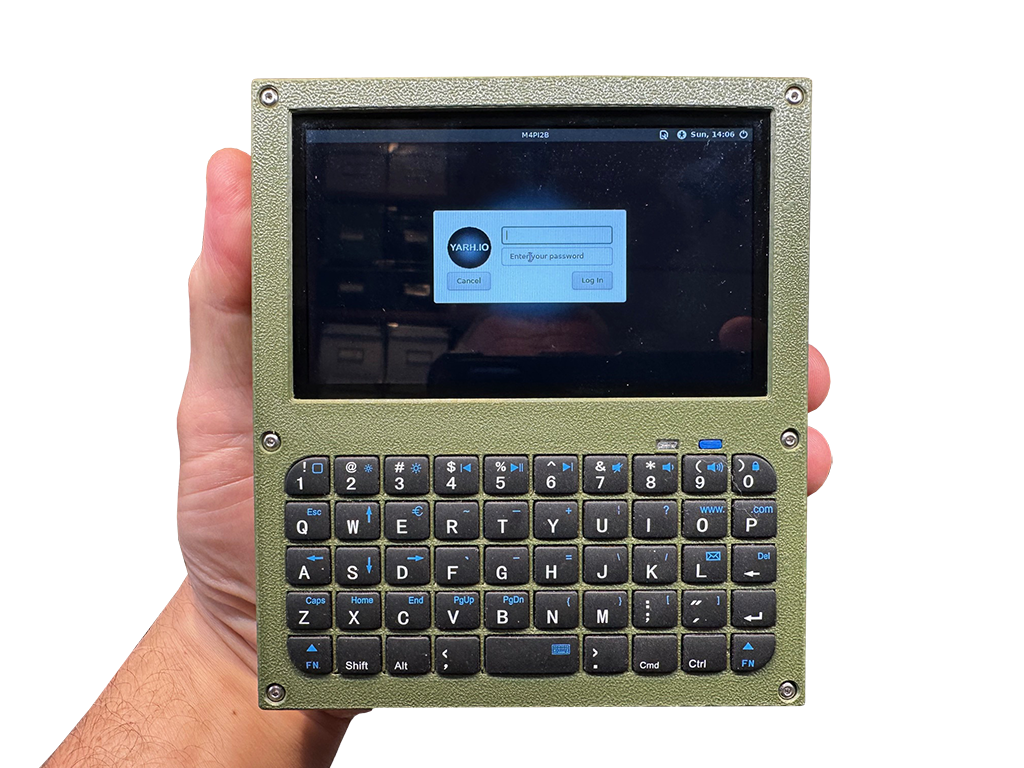
The M4 is where the YARH.IO handheld concept finally came together. Earlier builds proved that a pocket-sized Linux device was possible, but the Pi 4B is the first model that strikes the right balance between performance and power draw — fast enough to run a browser, an IDE, and background services simultaneously, yet efficient enough to deliver four to five hours of real use on a single charge. That runtime isn't a lab number with the screen dimmed and Wi-Fi off; it's actual working time with Chromium open, code compiling, and Bluetooth connected. The Pi 5 exists and it's faster, but this project deliberately uses the Pi 4B — its lower power consumption fits the form factor, the cooling, and the battery capacity in a way the Pi 5 simply can't match. A Pi 5 would drain the battery in under two hours and need active cooling that doesn't fit in a handheld shell. The Pi 4B is the sweet spot: powerful enough for real work, efficient enough to make a portable device that actually lasts. The result is a handheld that you reach for instead of a laptop — not because it replaces one, but because for most tasks it's all you need and it's already in your pocket.
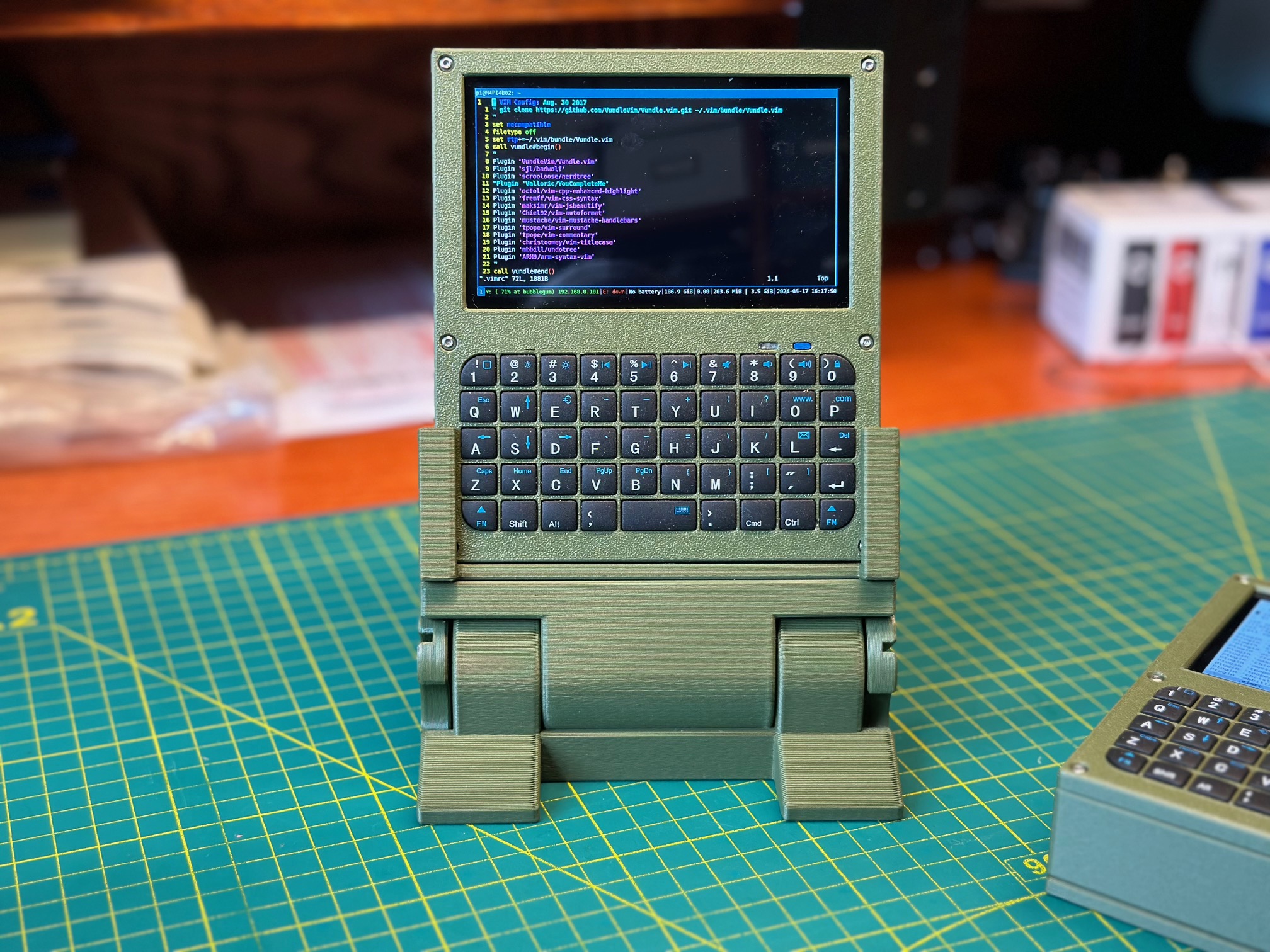
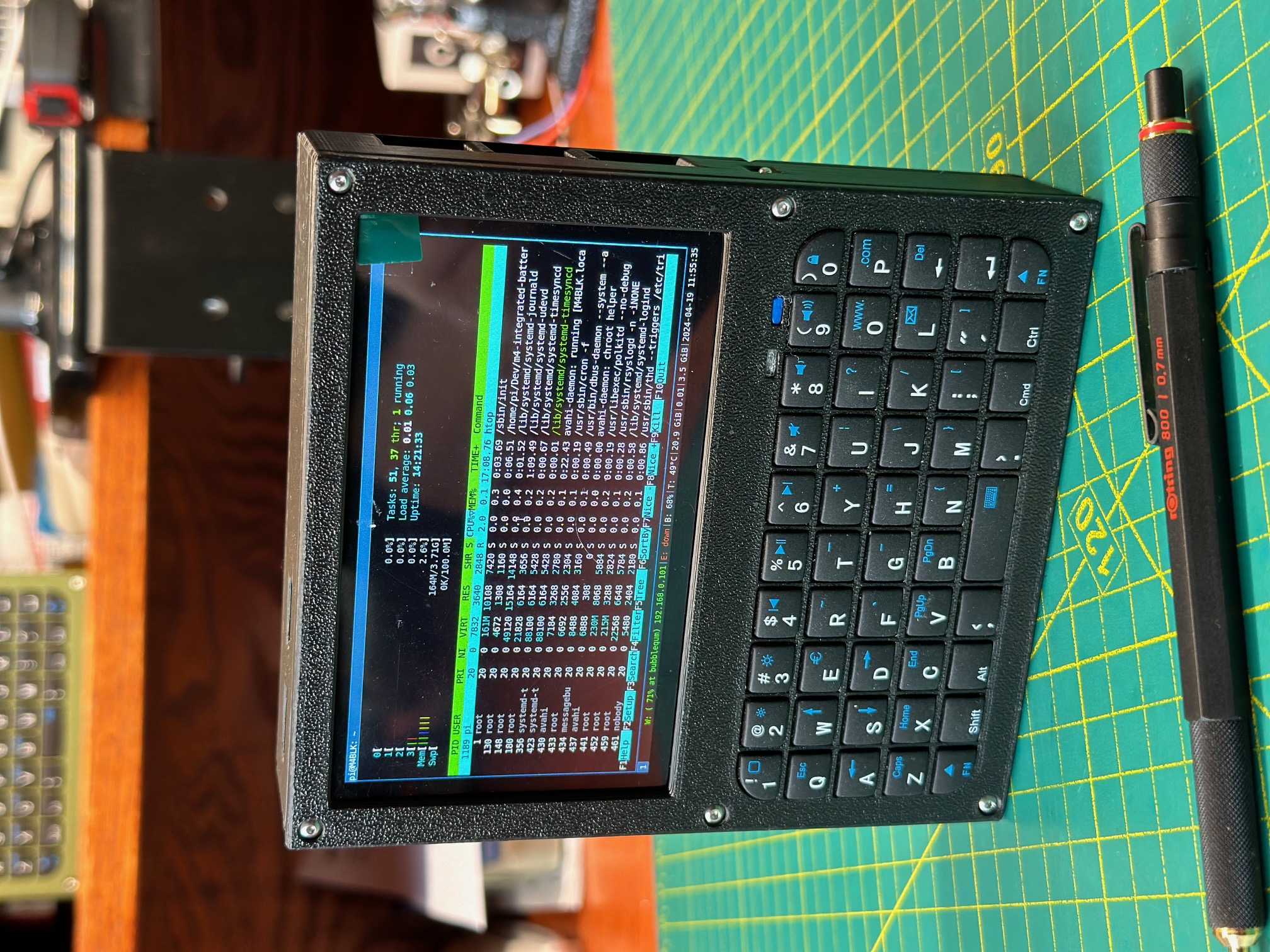
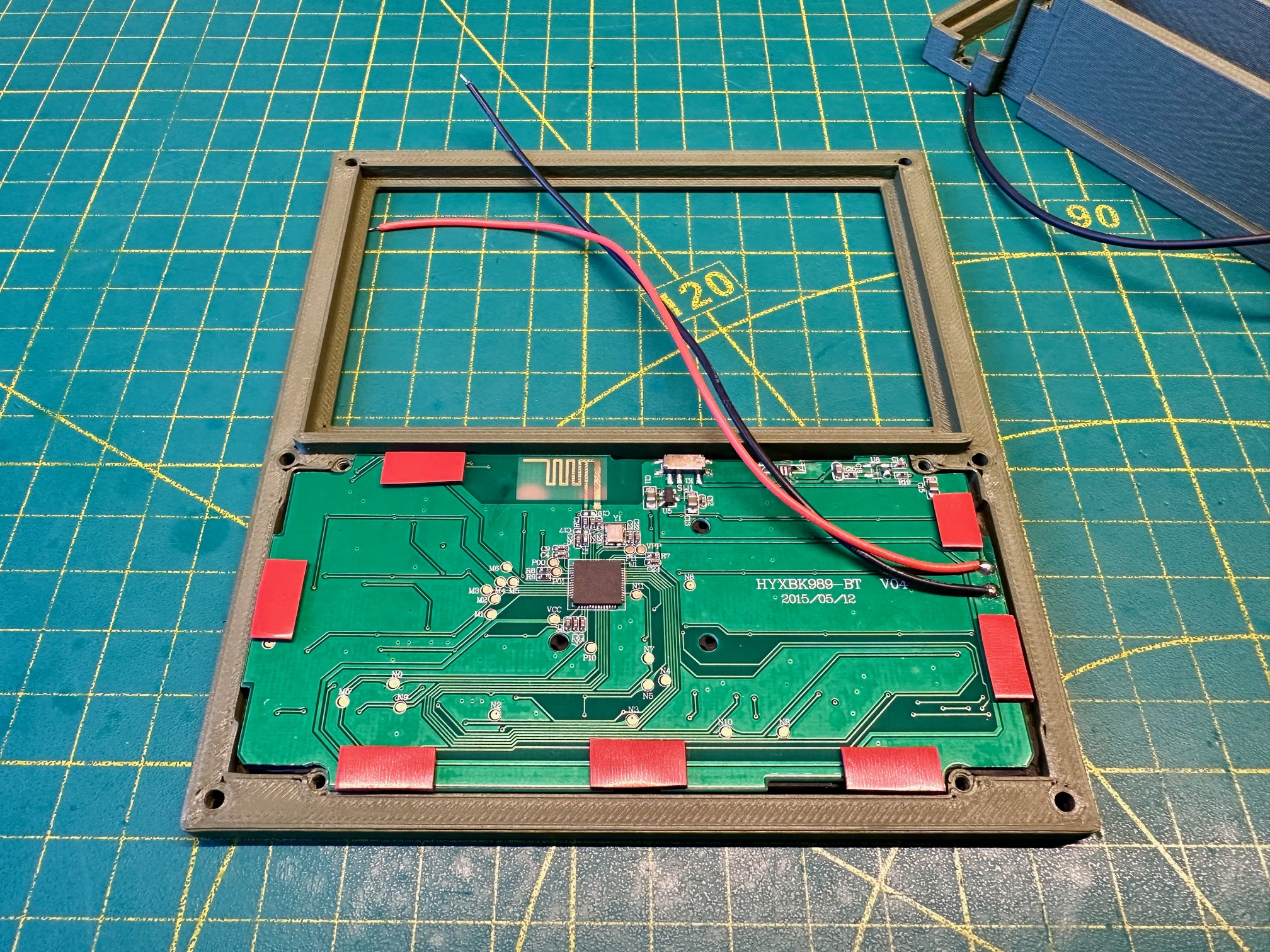
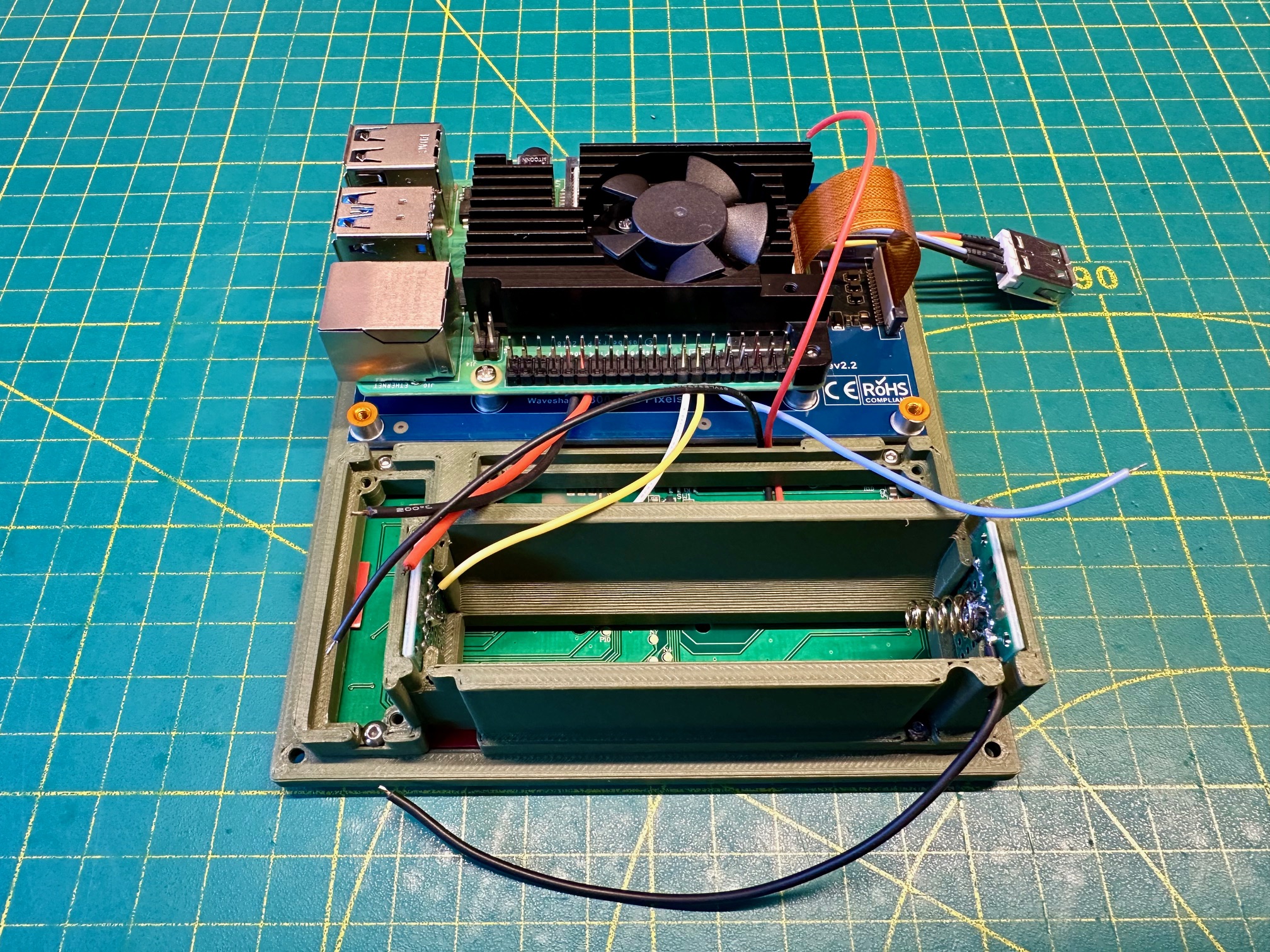
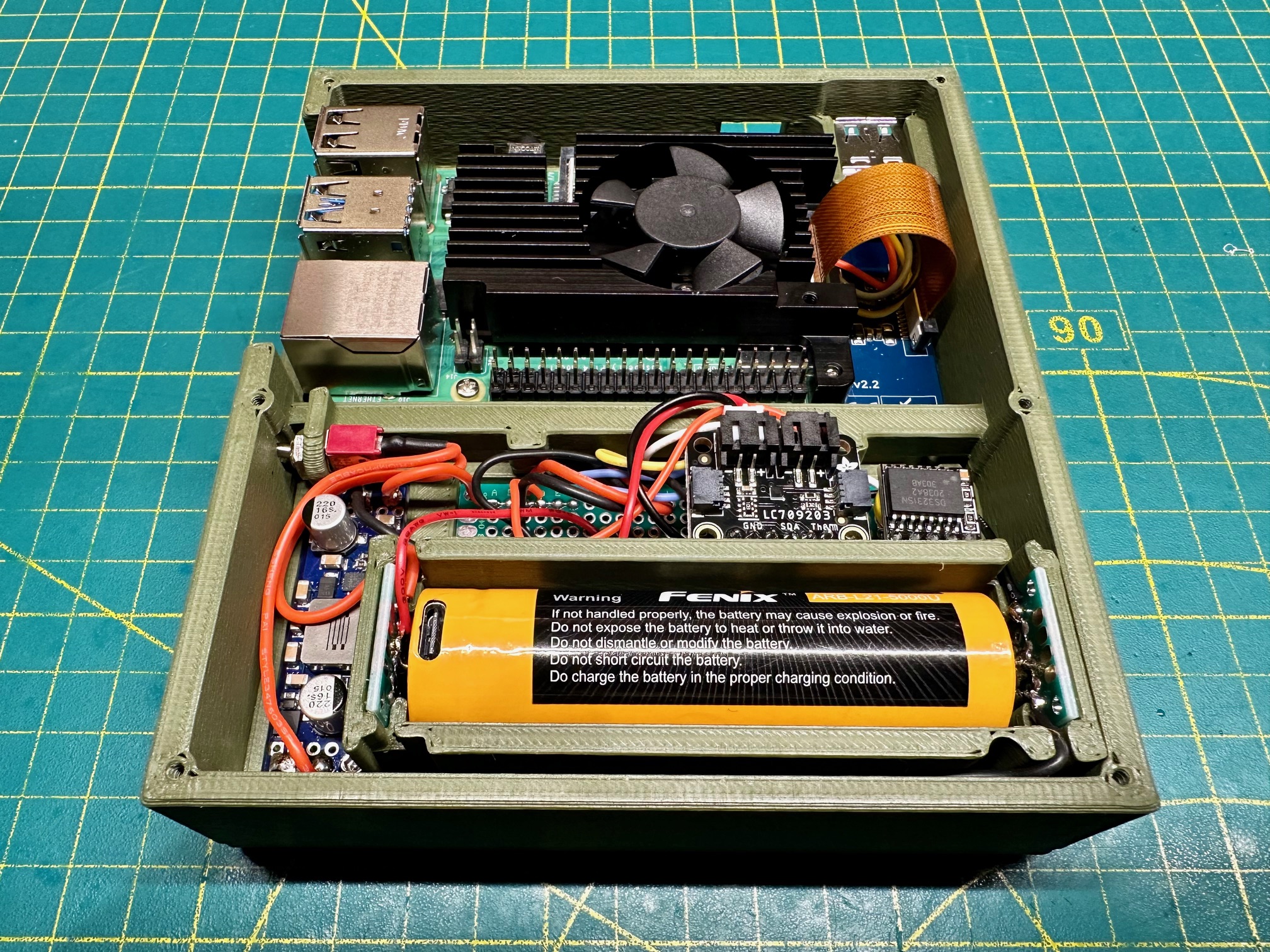
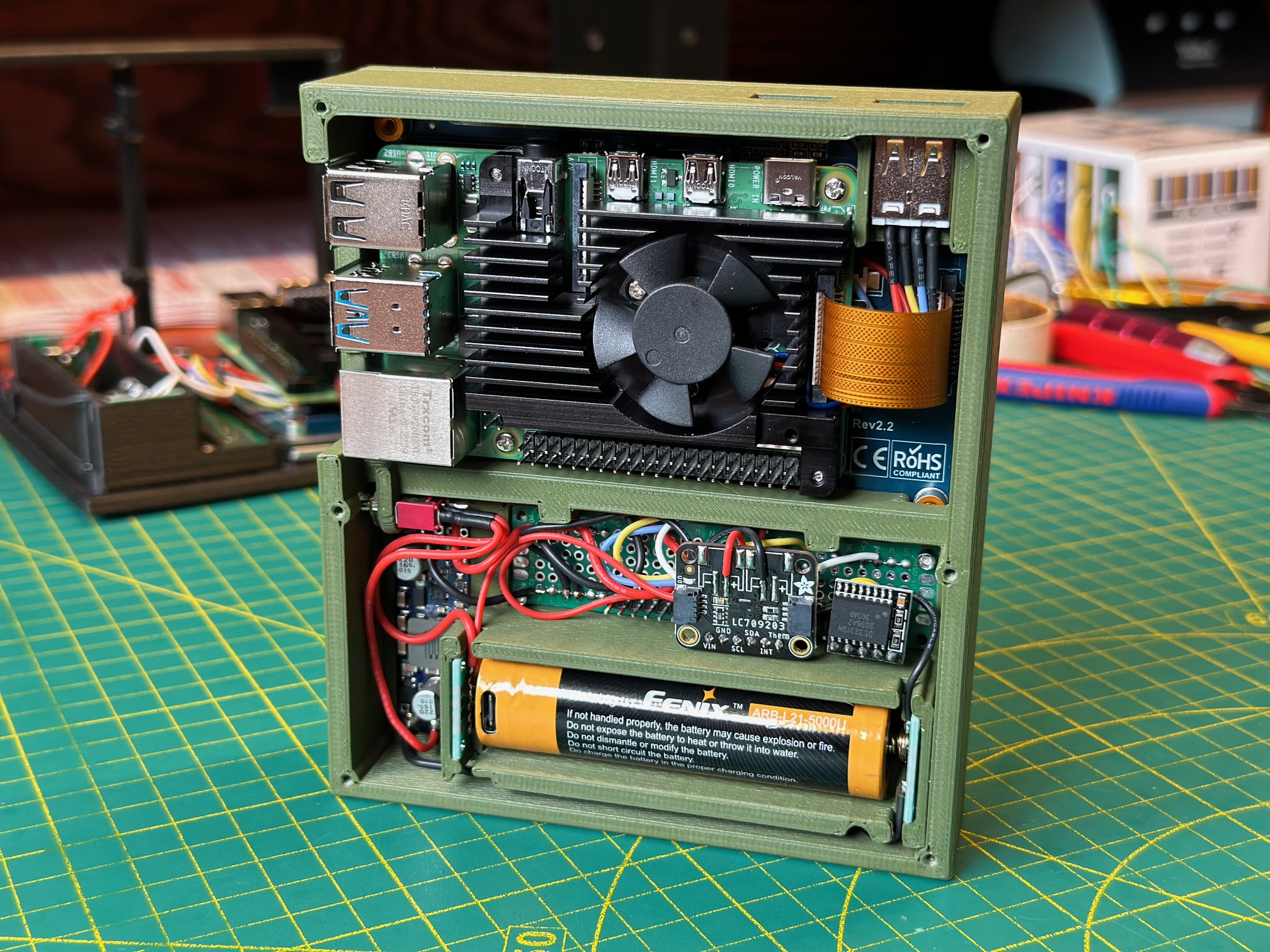
At the core is a Raspberry Pi 4B with significantly more headroom than the 3B+ in earlier handhelds. The quad-core Cortex-A72 and up to 4GB of RAM make multitasking genuinely usable — you can run Chromium, VS Code, and a terminal session without the system grinding to a halt. A full aluminum heatsink sits on the SoC, and a GPIO-controlled fan on pin 4 kicks in at 60°C to manage thermals inside the enclosed case. A DS3231 real-time clock module keeps accurate time between boots, so the device doesn't need a network connection just to know what day it is. The display is a compact touchscreen panel that runs the full Raspberry Pi desktop stack, rotated and configured for handheld use.
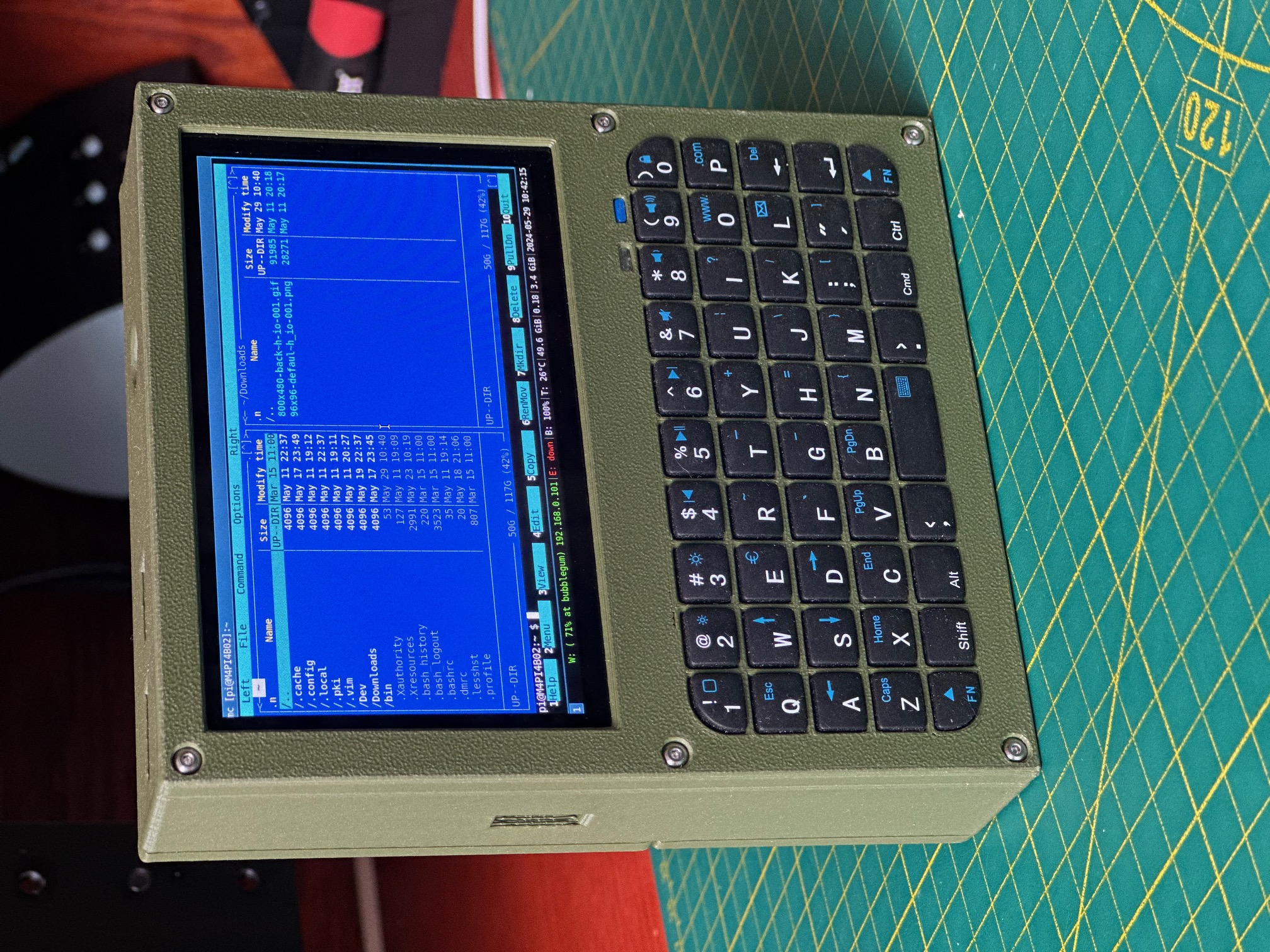
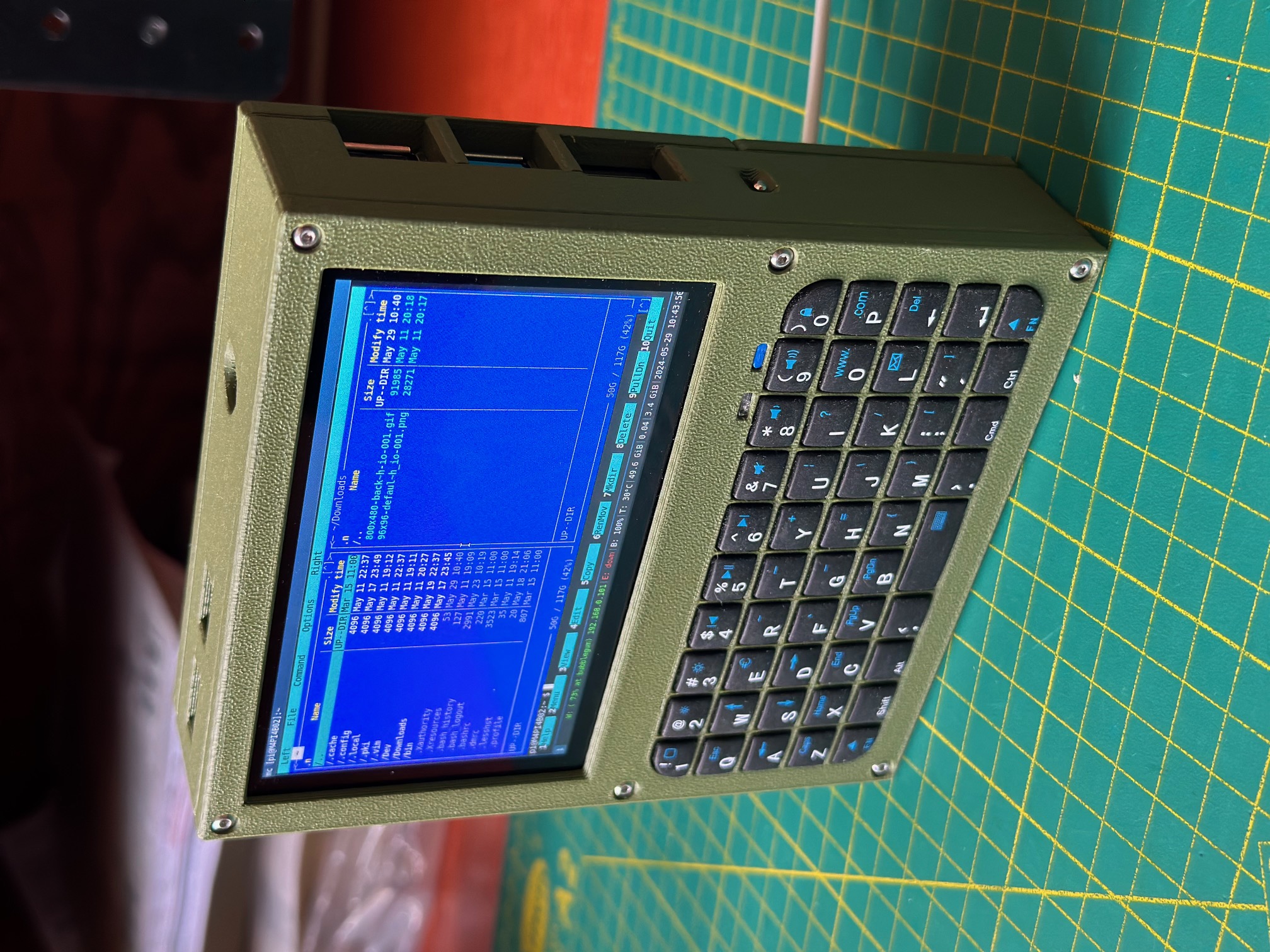
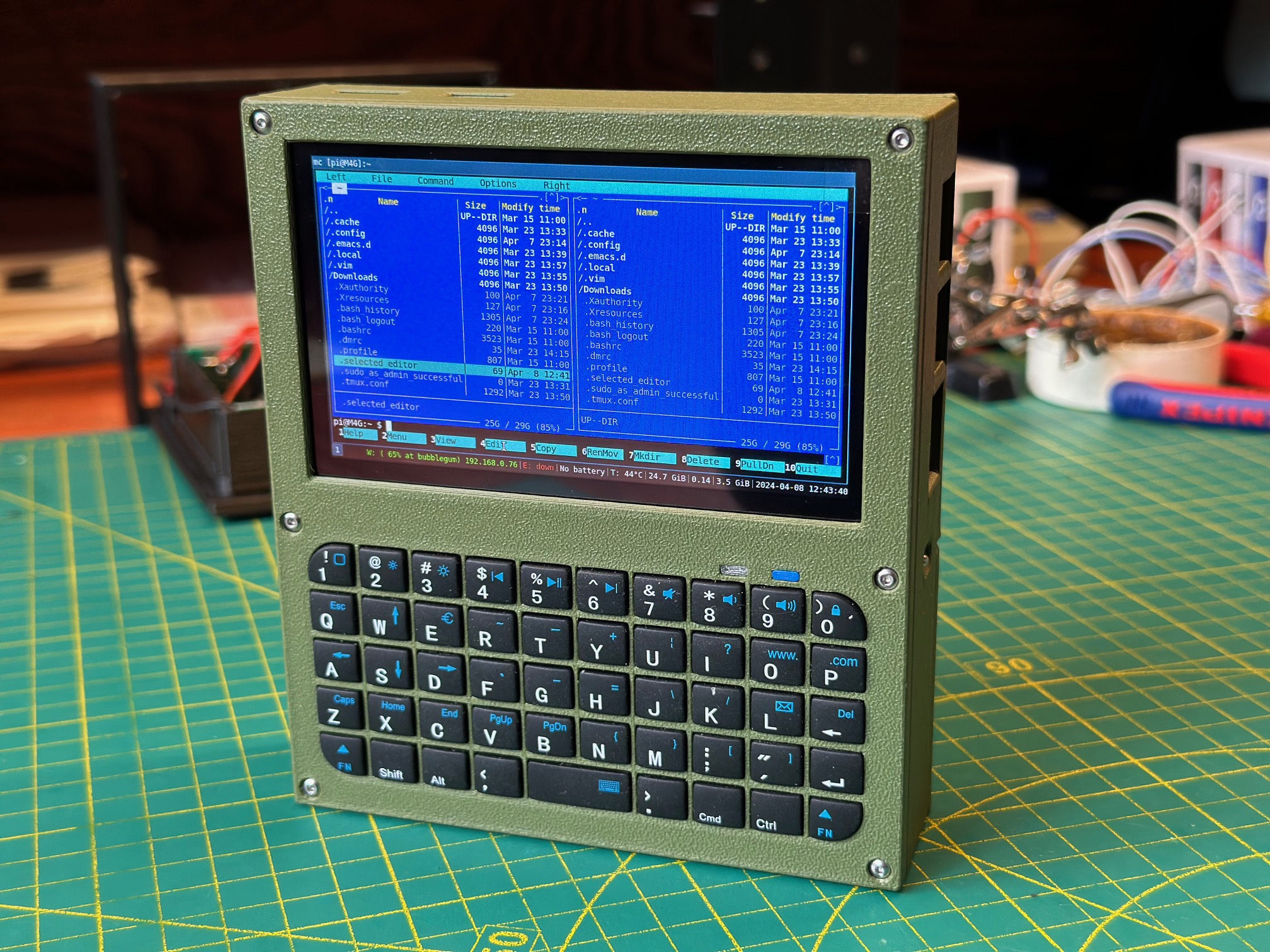
The M4 runs i3 tiling window manager instead of the standard Raspberry Pi desktop — and on a small screen, this makes all the difference. A full desktop environment wastes pixels on panels, decorations, and a taskbar you don't need. i3 gives you the entire screen for your application, with windows tiling automatically and switching via keyboard shortcuts. The minimal X11 stack keeps memory usage low and startup fast. Custom keybindings are mapped to the keyboard's special keys: the Home key opens a terminal, the Mail key closes the focused window. Combined with dmenu for launching applications, the whole interface is keyboard-driven and surprisingly efficient once you learn the shortcuts.
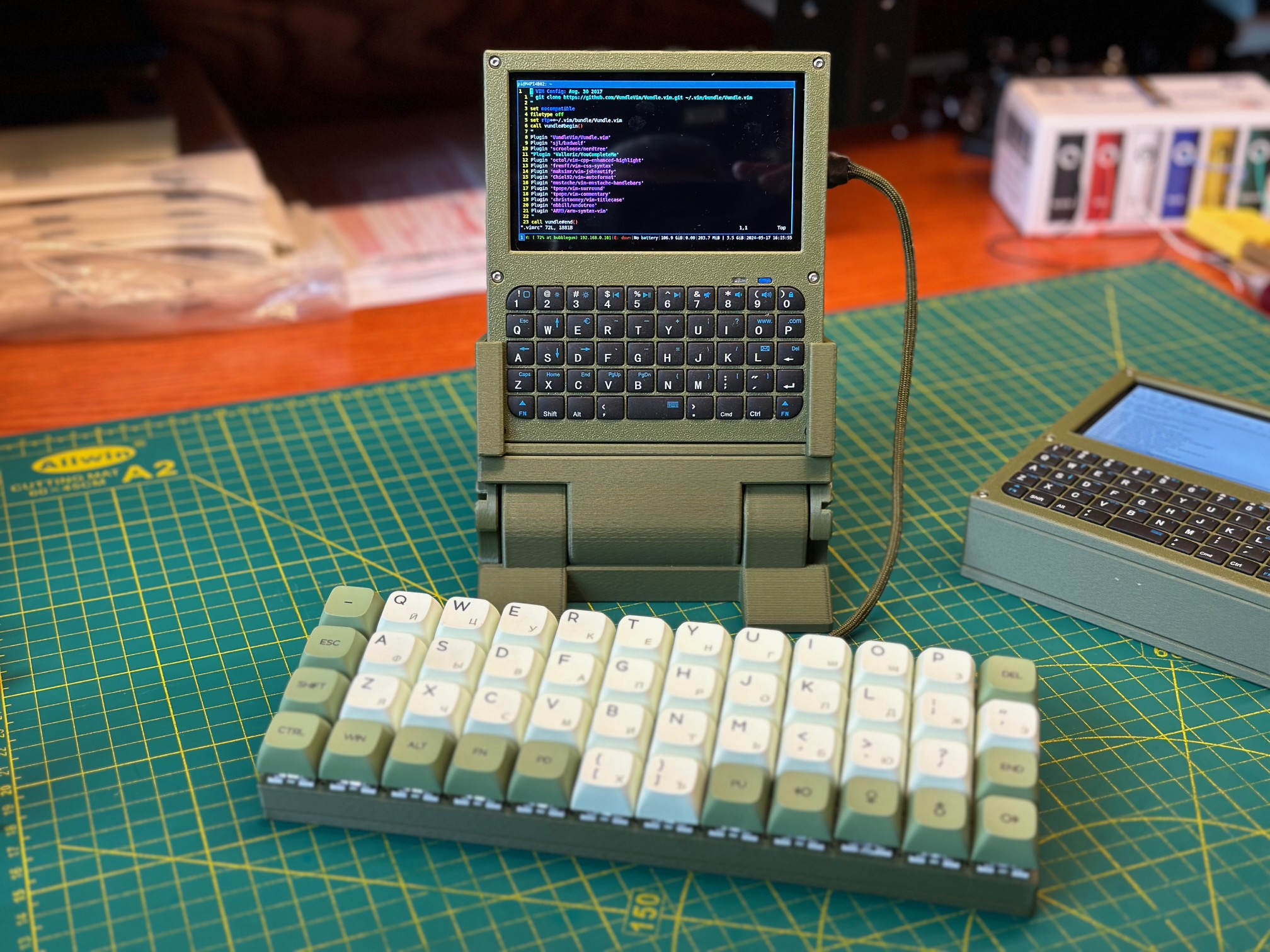
The built-in Bluetooth keyboard connects via bluetoothctl and stays paired across reboots. The compact layout required some practical remapping — Caps Lock becomes Tab, which is far more useful on a device where you're constantly tab-completing in terminals and switching i3 focus. LightDM provides the login screen with custom YARH.IO branding, and the system boots directly into the i3 desktop. An external mechanical keyboard can be connected for extended typing sessions — the M4 is designed to work both as a self-contained handheld and as a desktop terminal when you need the full keyboard experience.
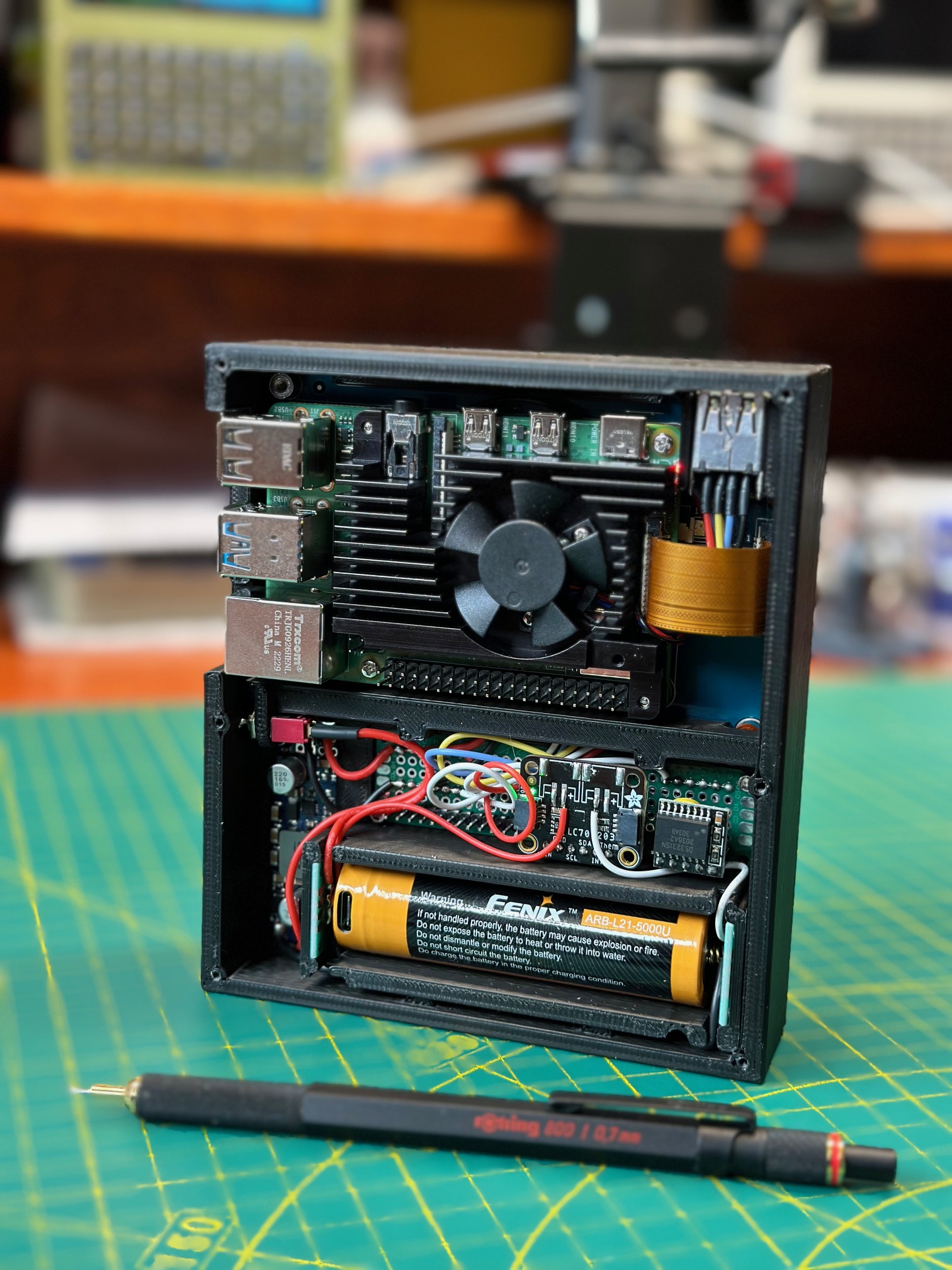
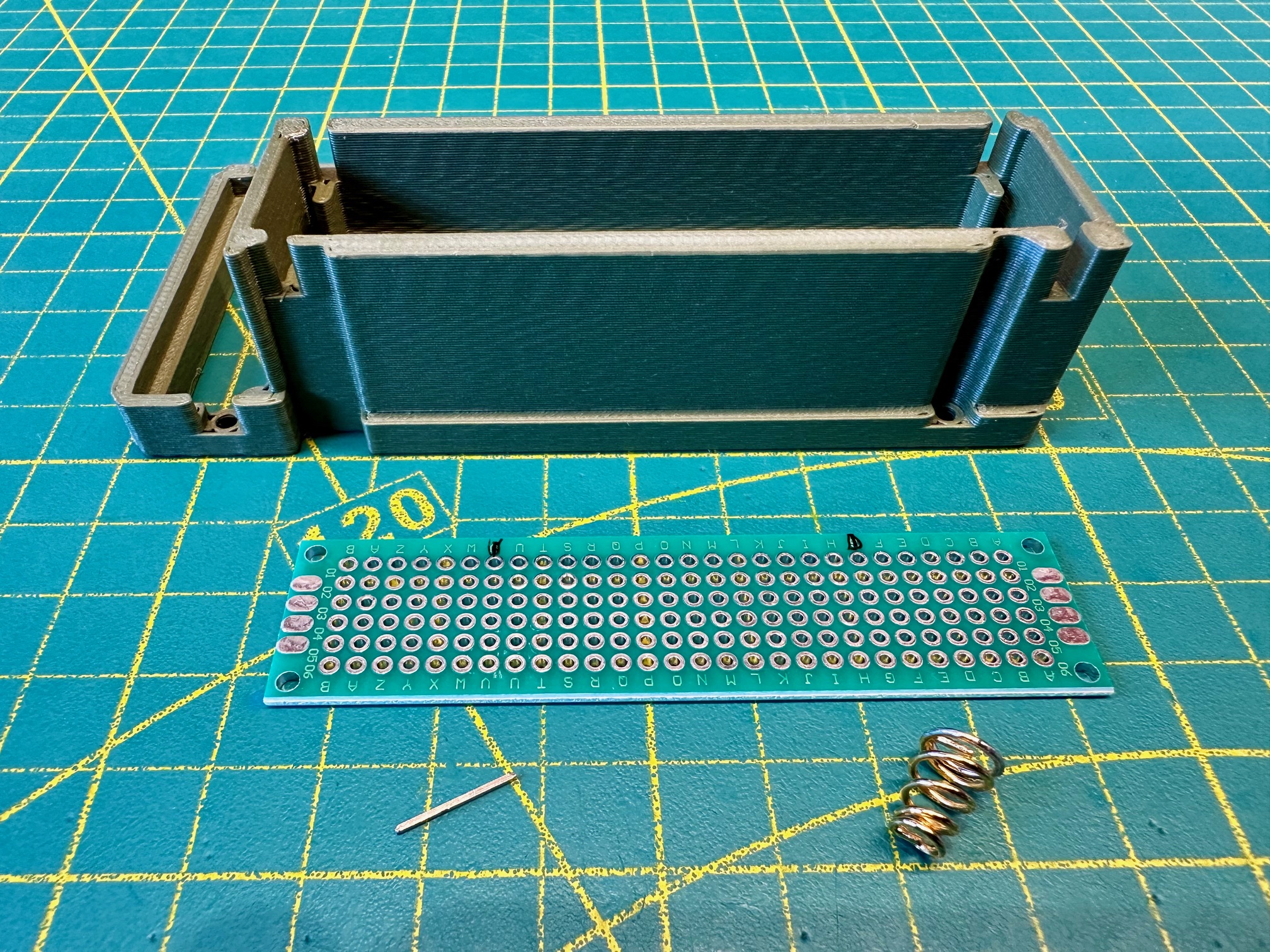
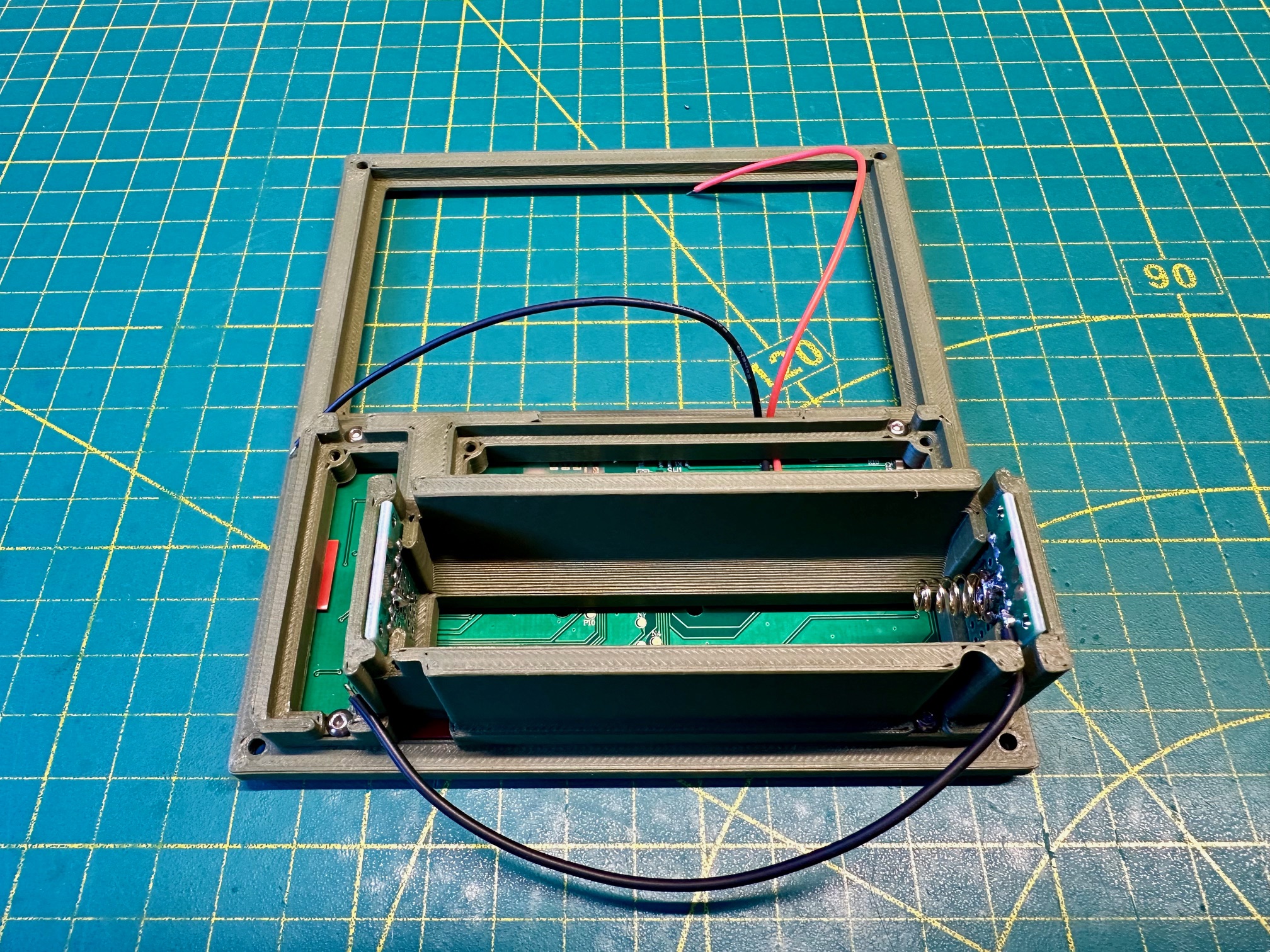
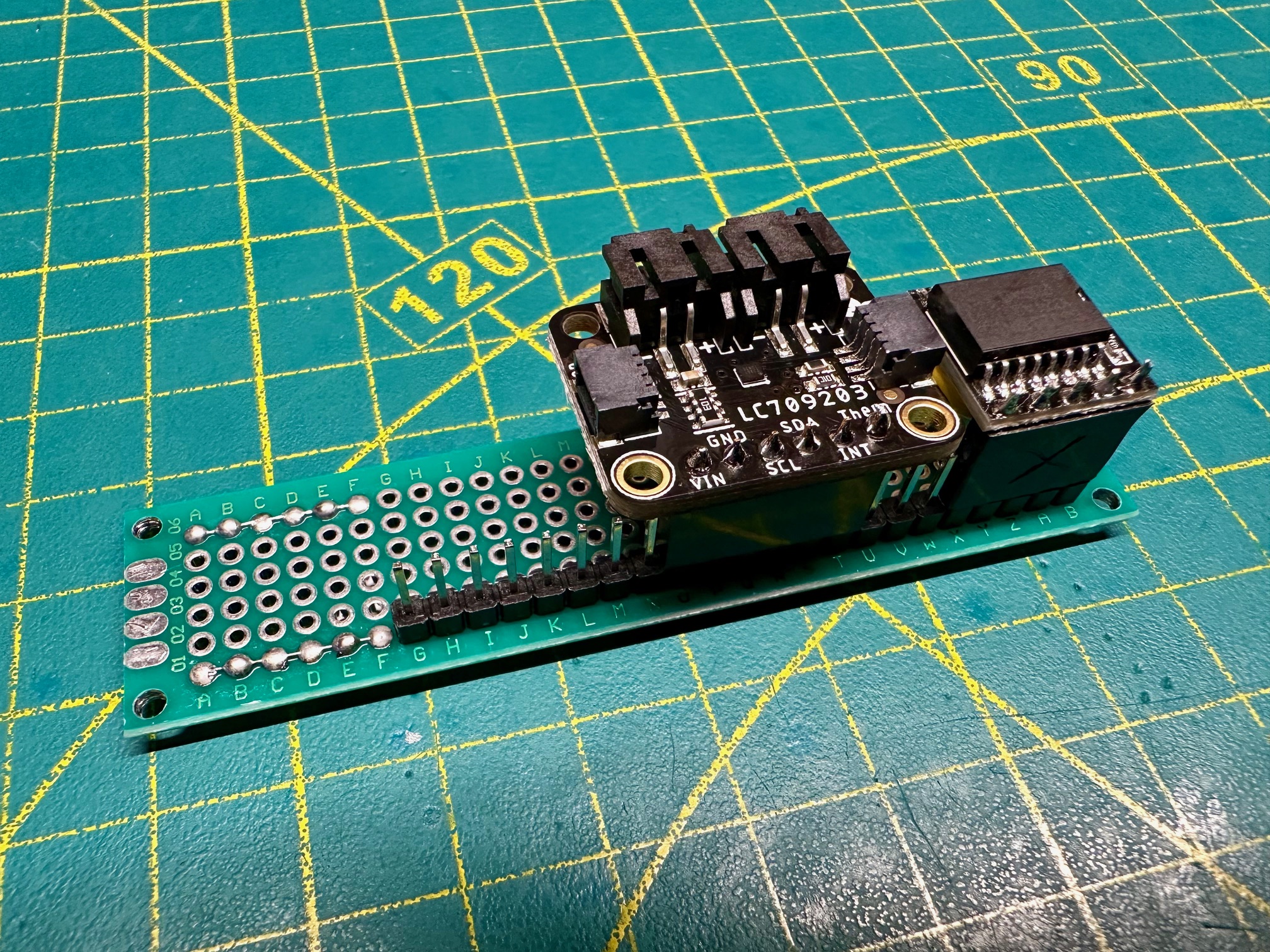
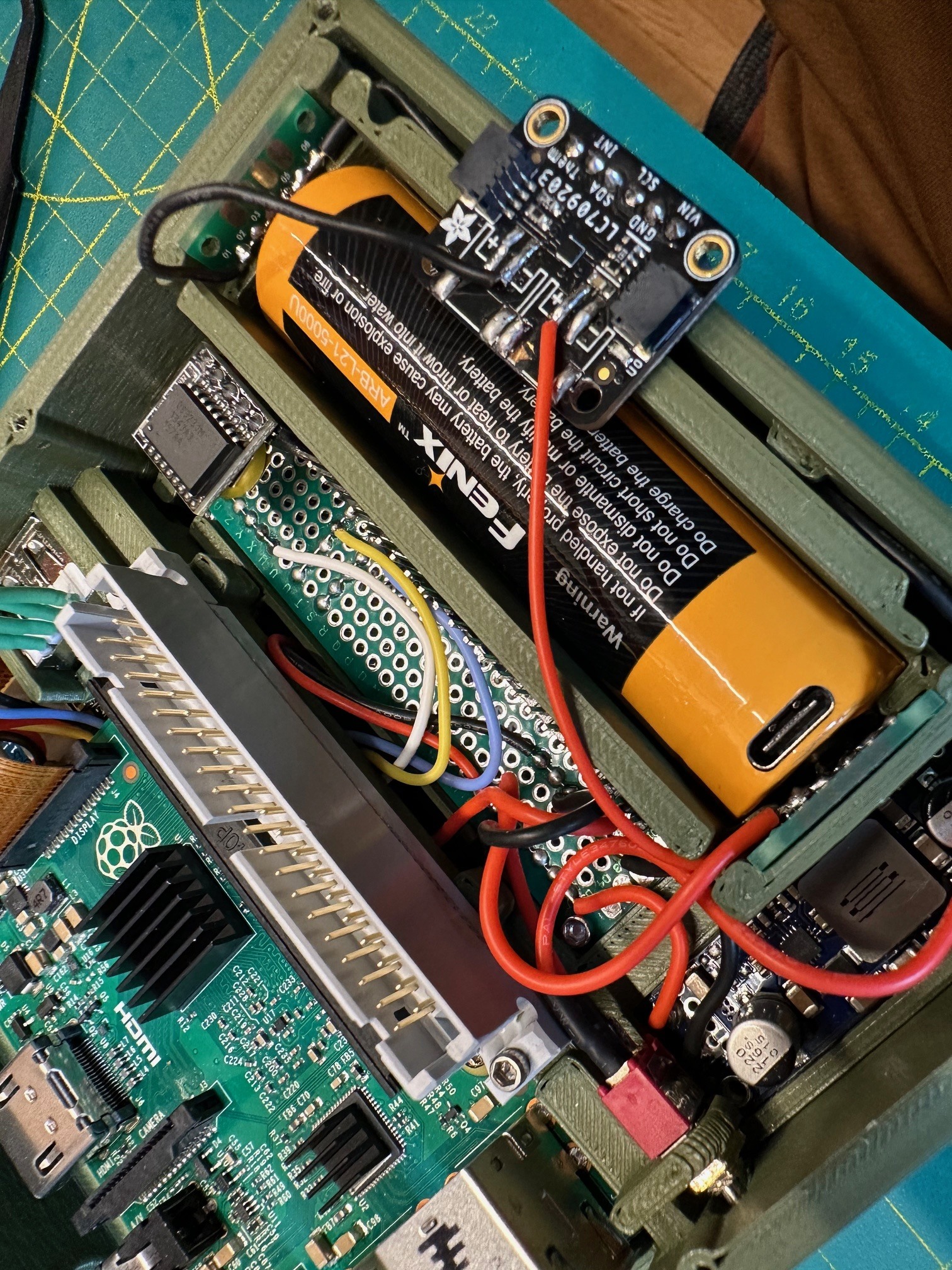
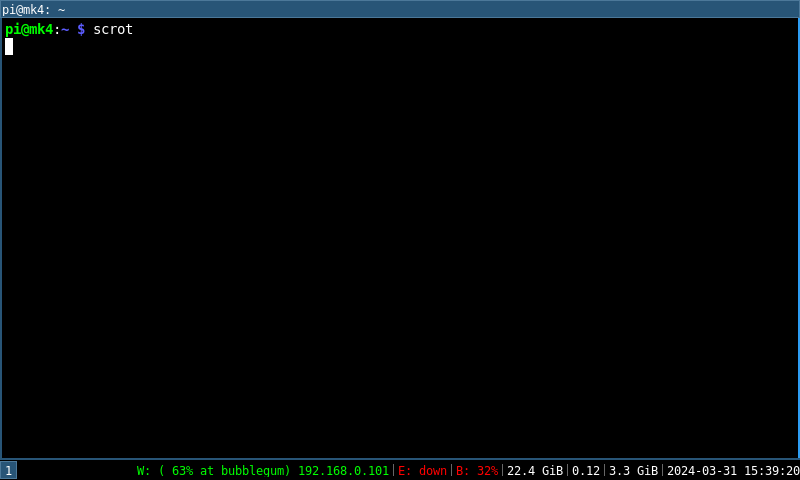
Battery monitoring is handled by dedicated hardware rather than guesswork. An LC709203F fuel gauge IC reads battery state over I2C — voltage, percentage, and charge rate — and a custom C++ service running as a systemd daemon writes the current readings to the filesystem. The i3status bar picks up this data and displays battery level right alongside CPU usage and network status. You always know exactly how much runtime you have left without opening a separate application. The monitoring firmware is straightforward to modify if you want to change the display format or add alerts at specific charge levels. And because the battery charges through a built-in USB-C charger module, you can plug in any modern USB-C power source — a wall adapter, a power bank, a laptop port — and the device will run indefinitely while keeping the battery topped off. Unplug it and you're back on battery without missing a beat.
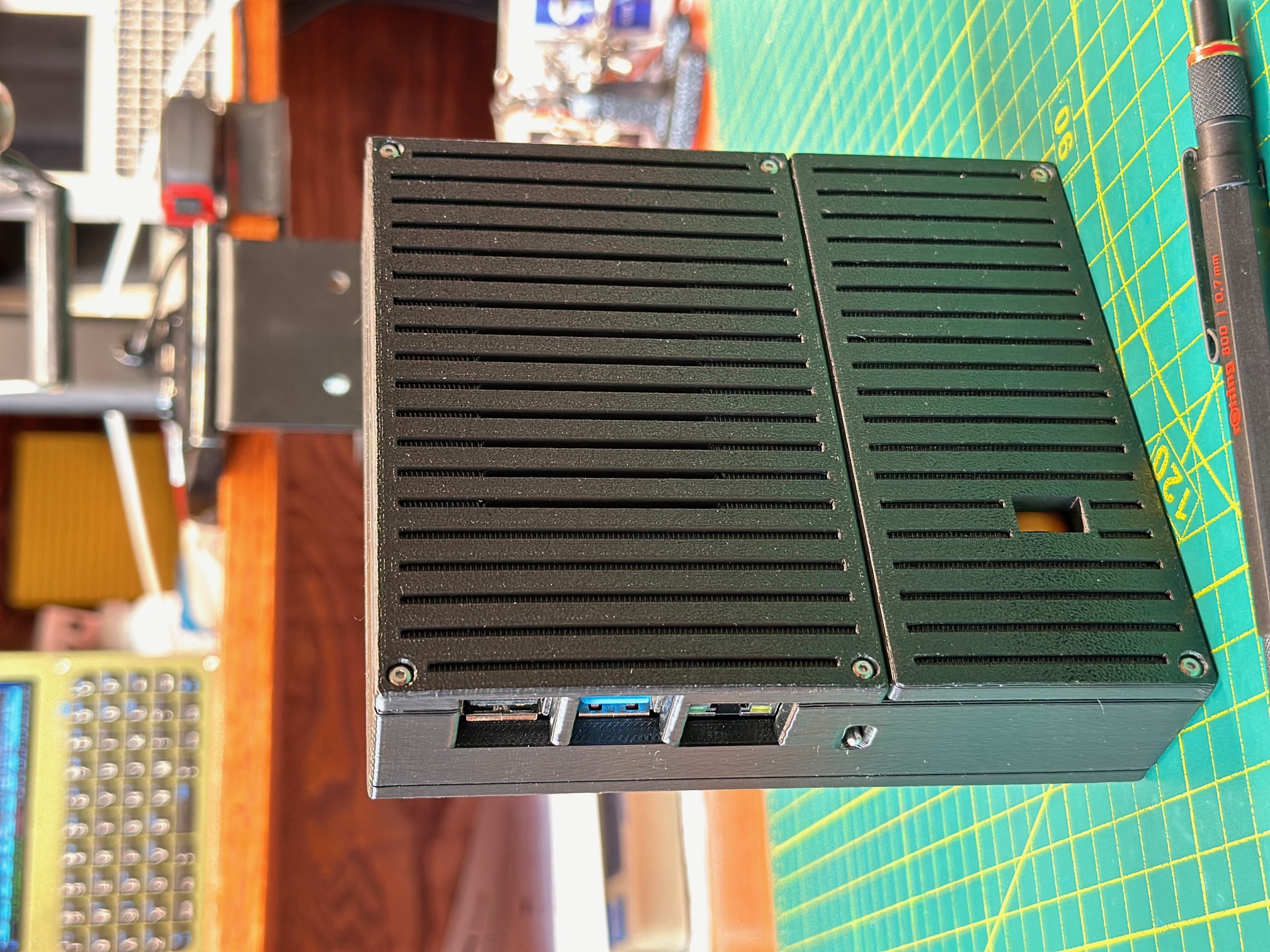
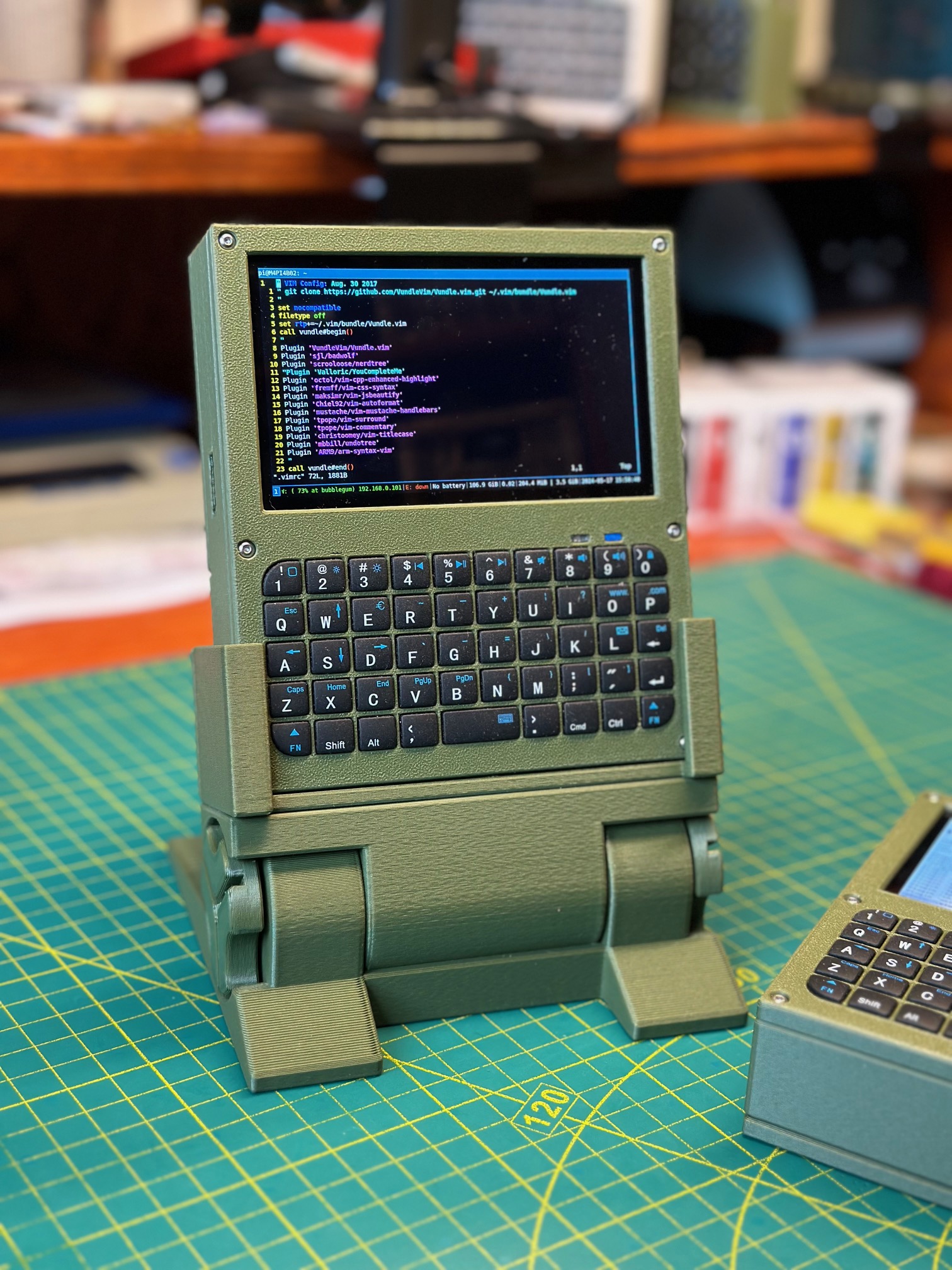
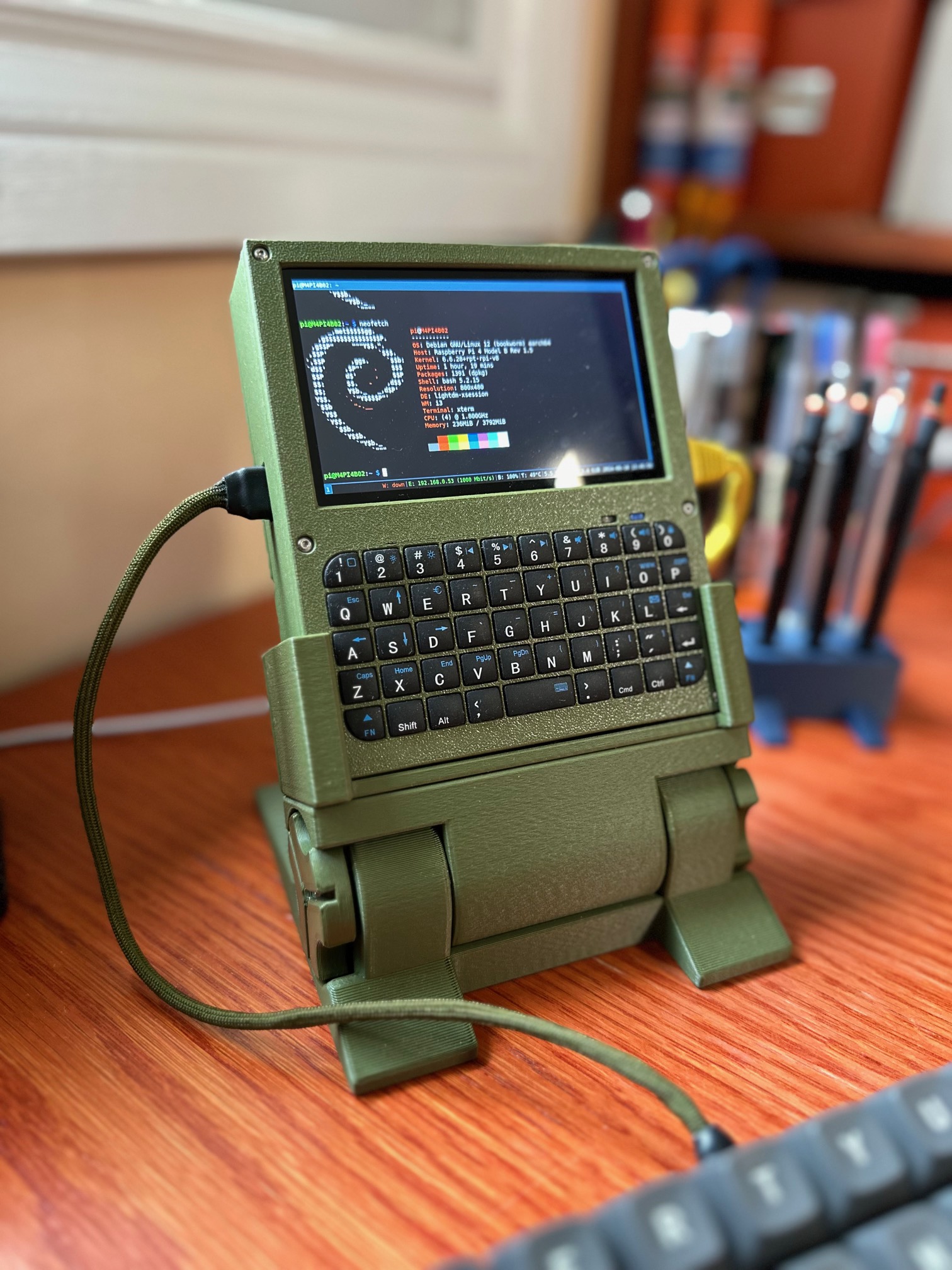
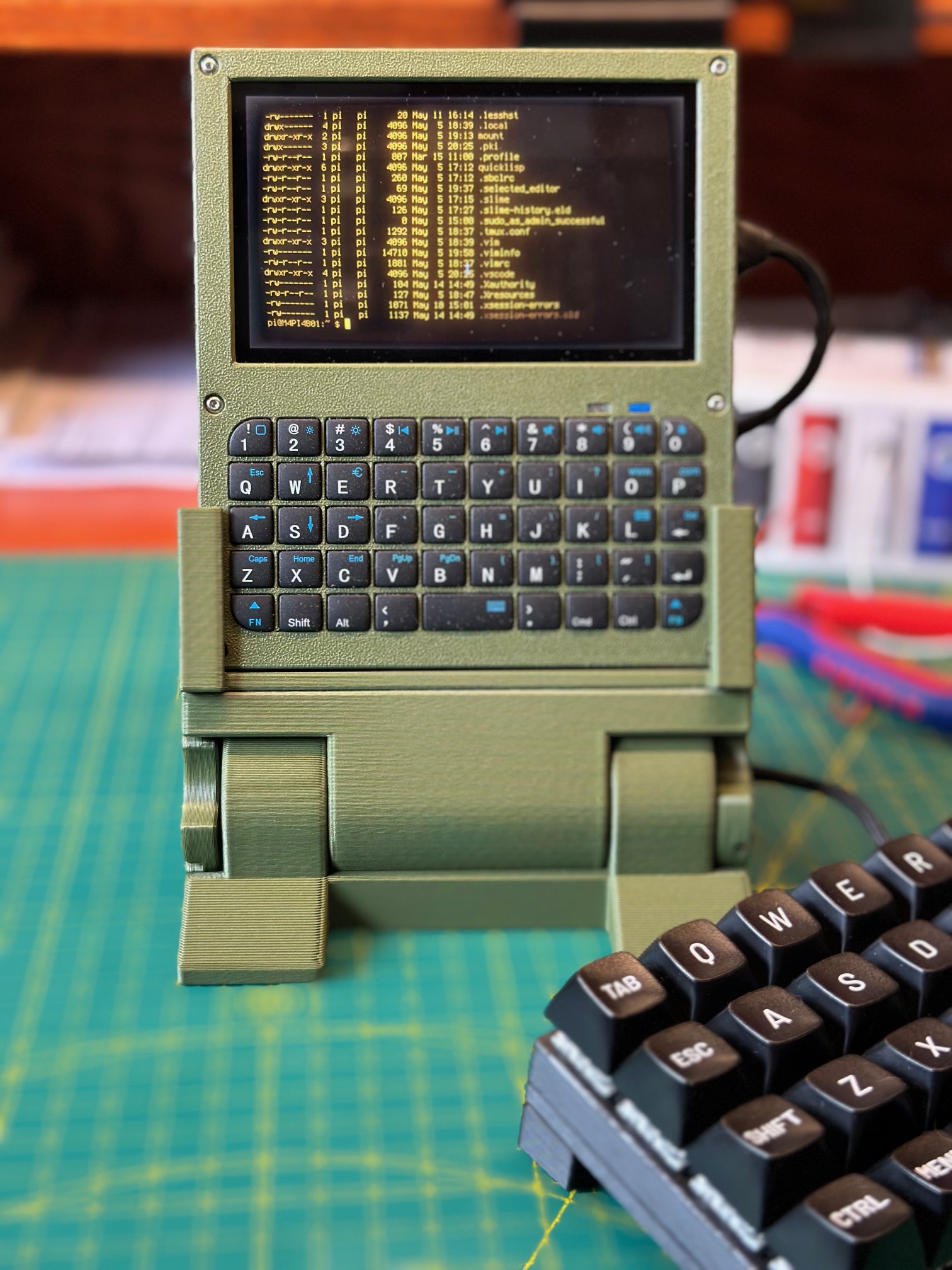
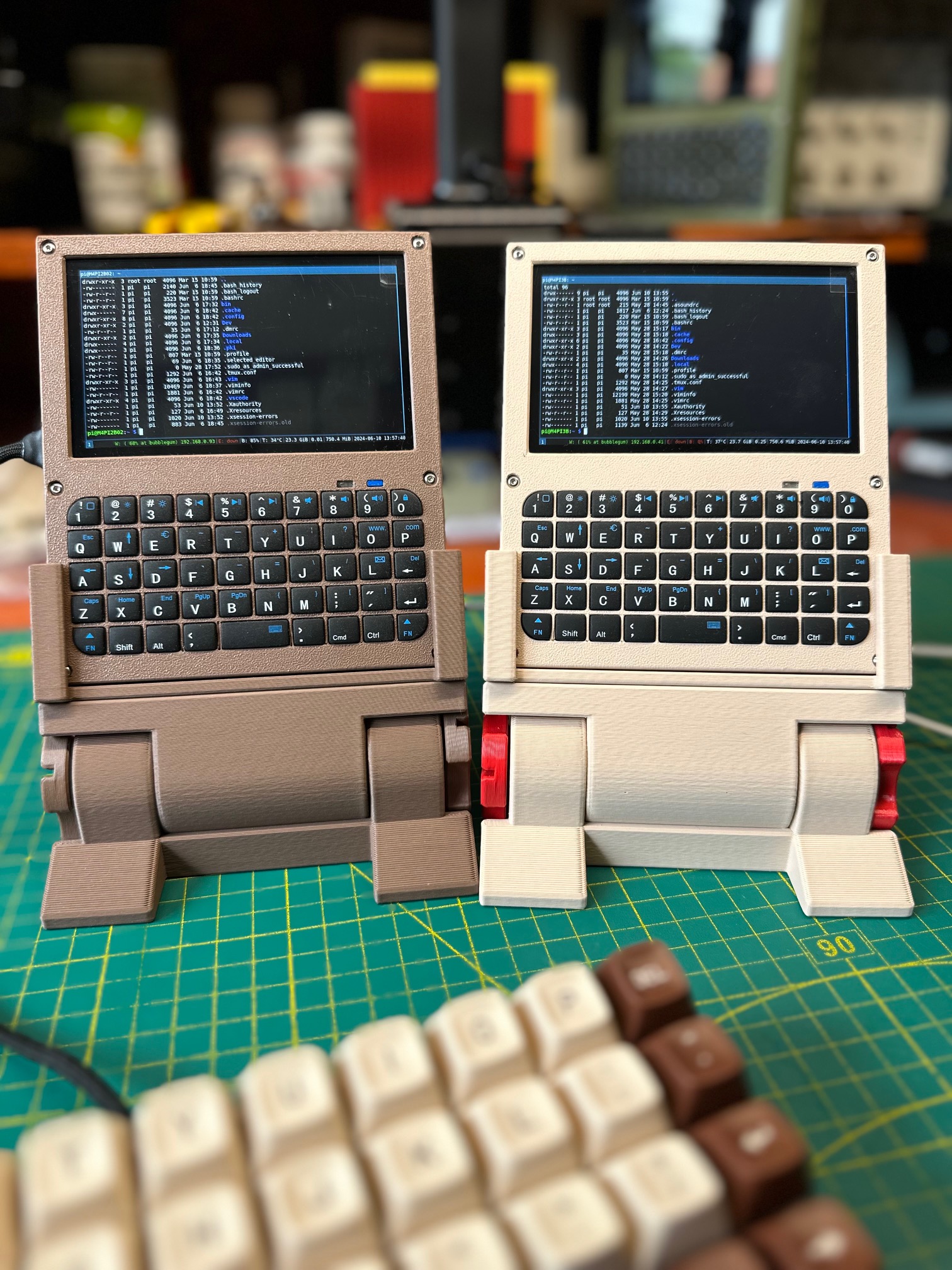
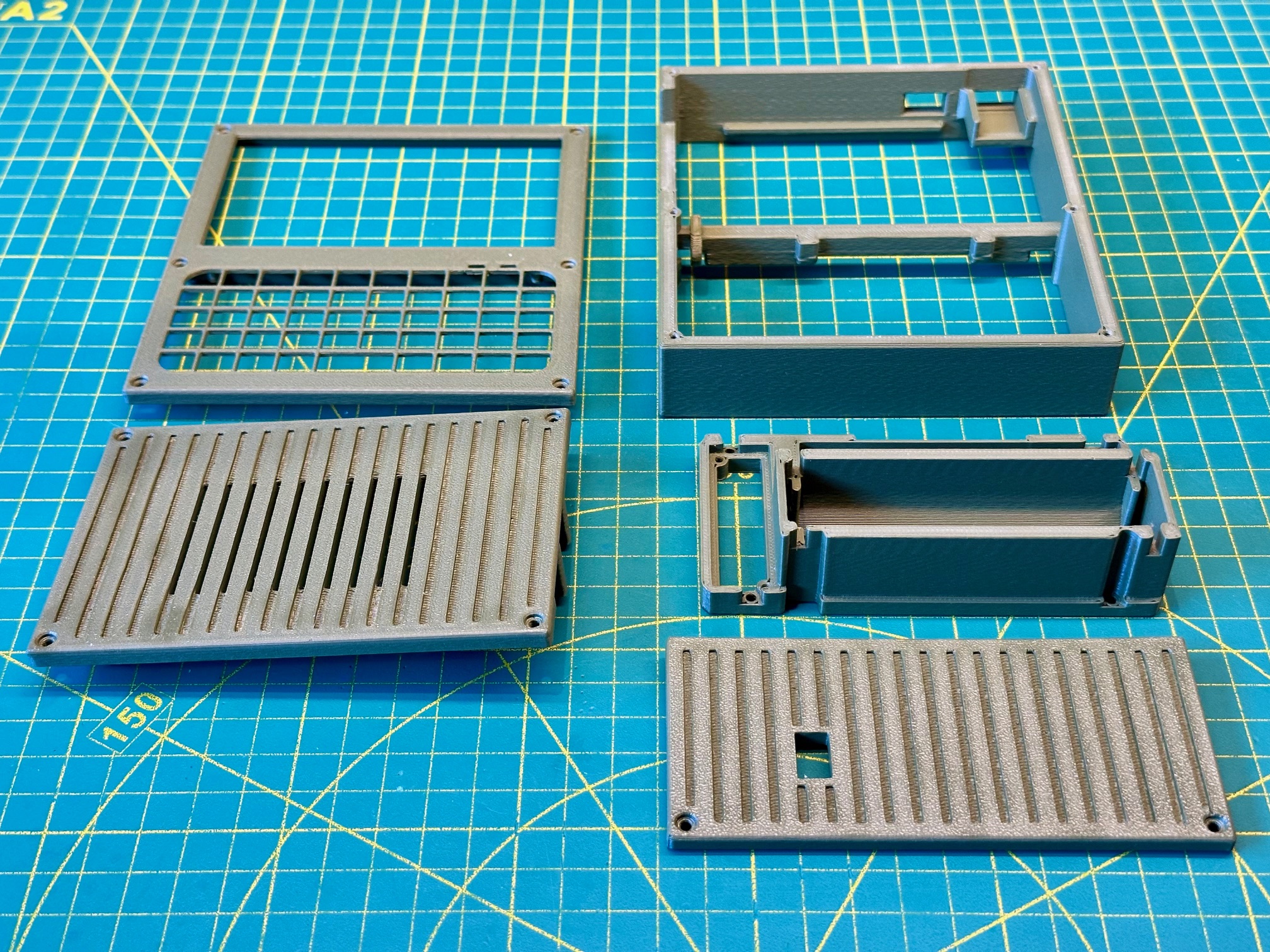
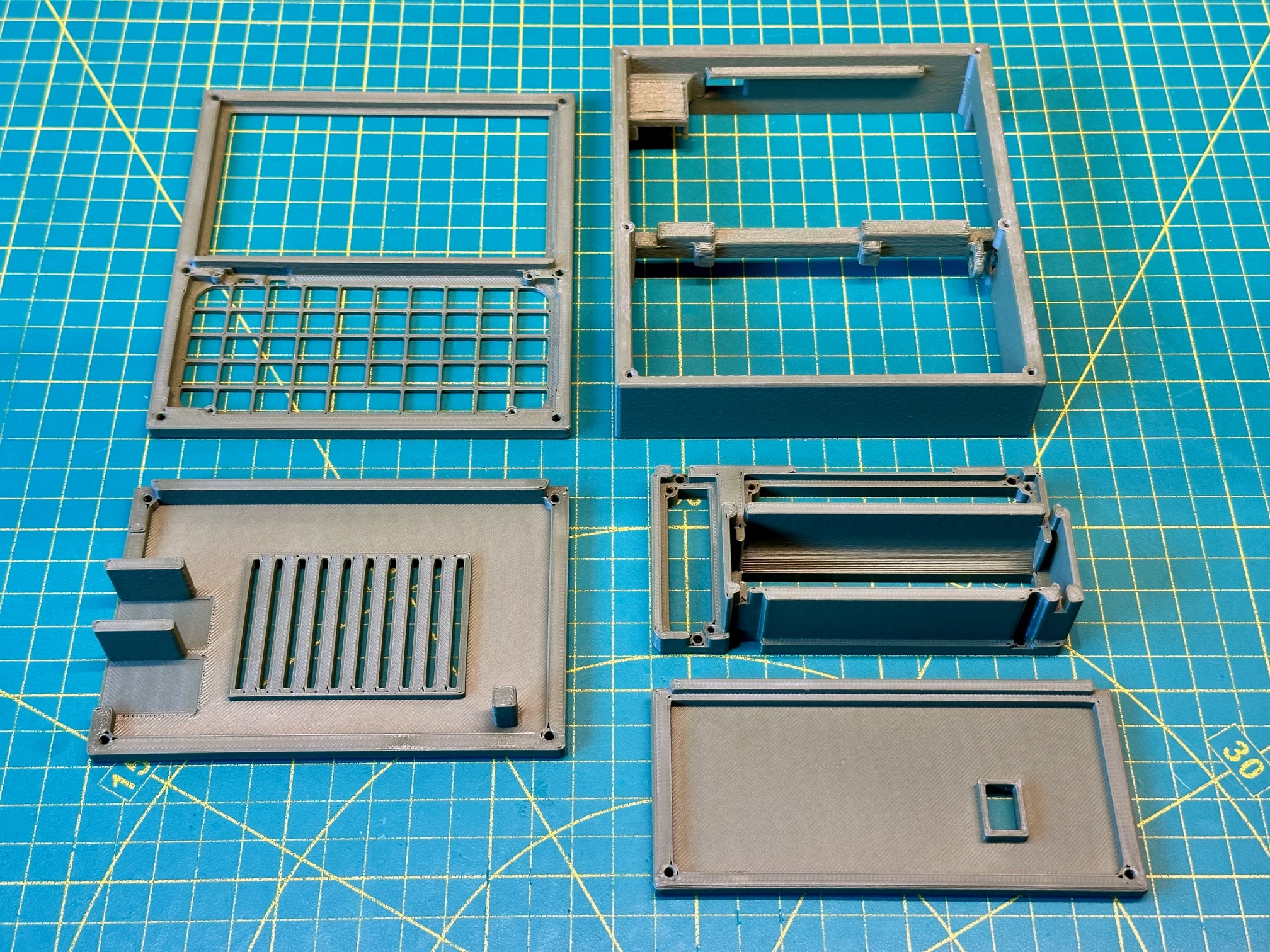
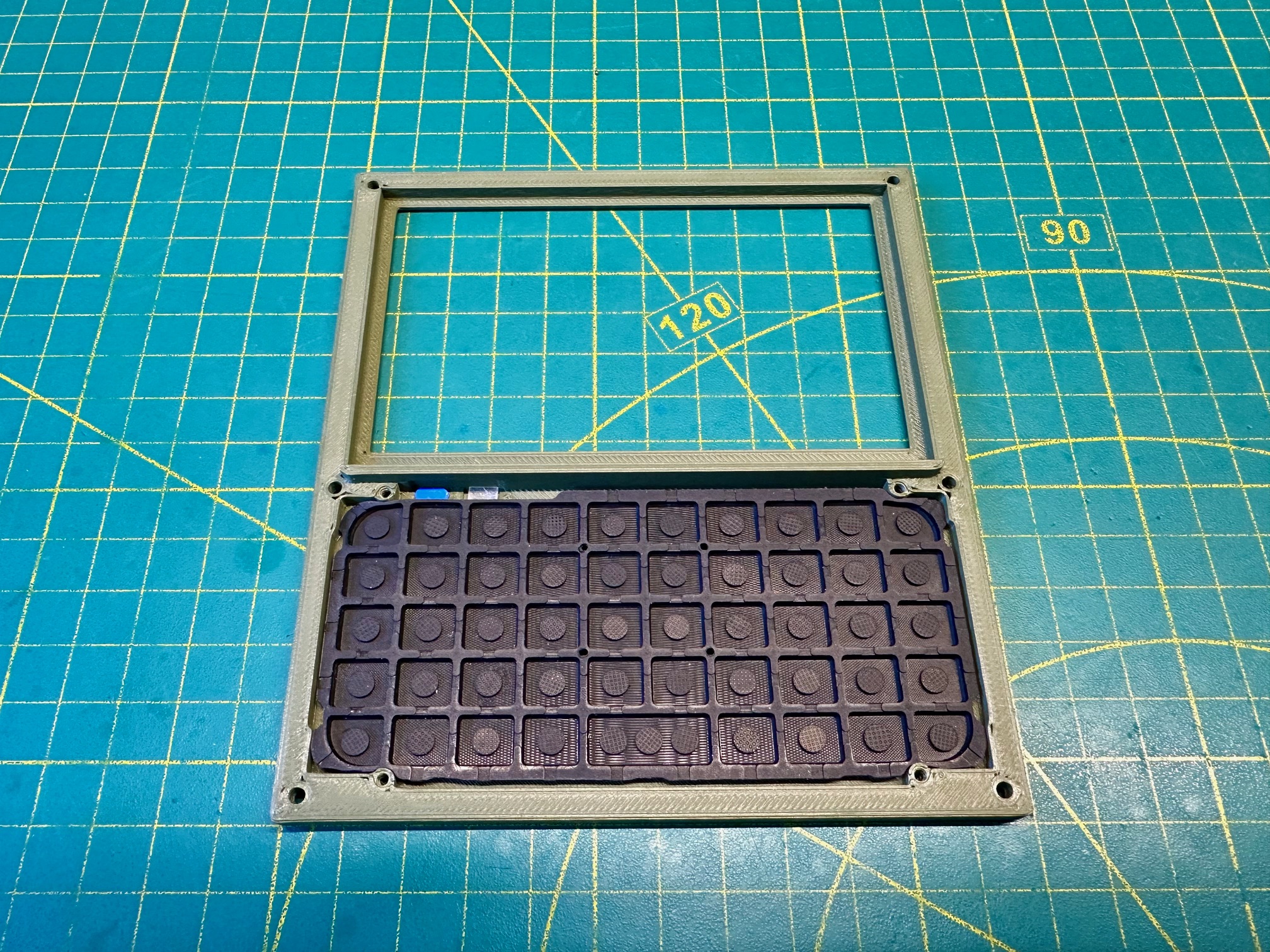
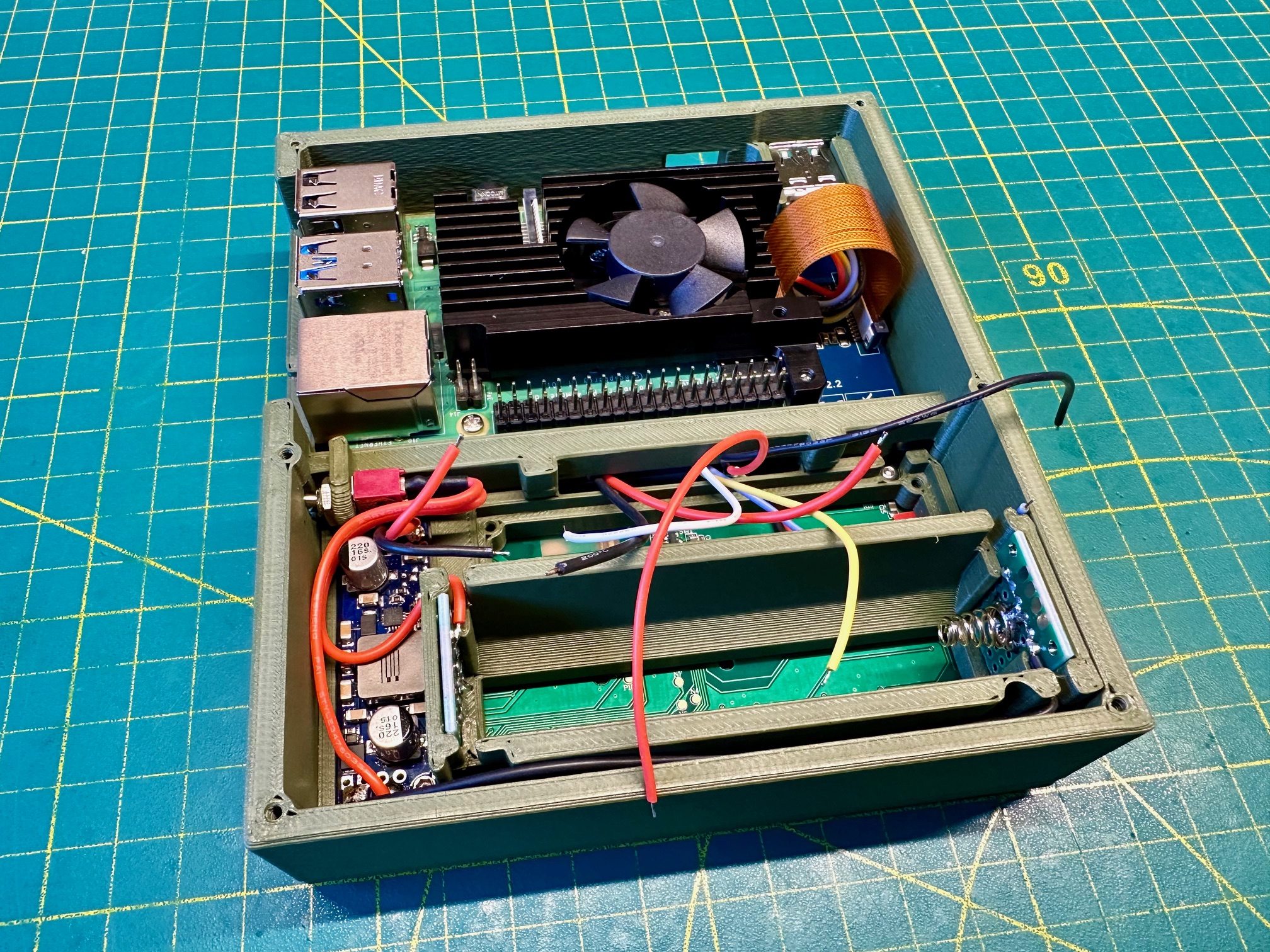
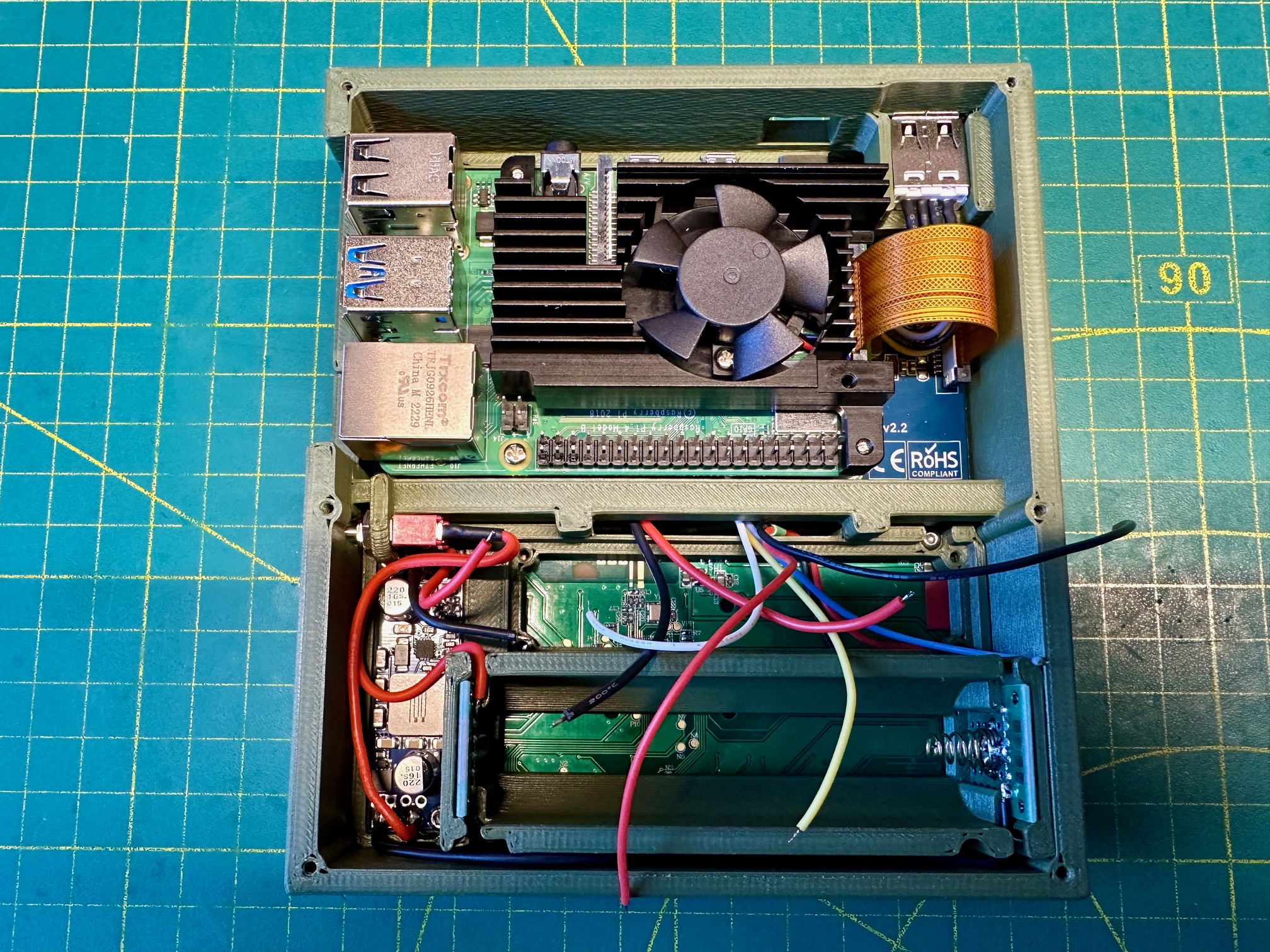
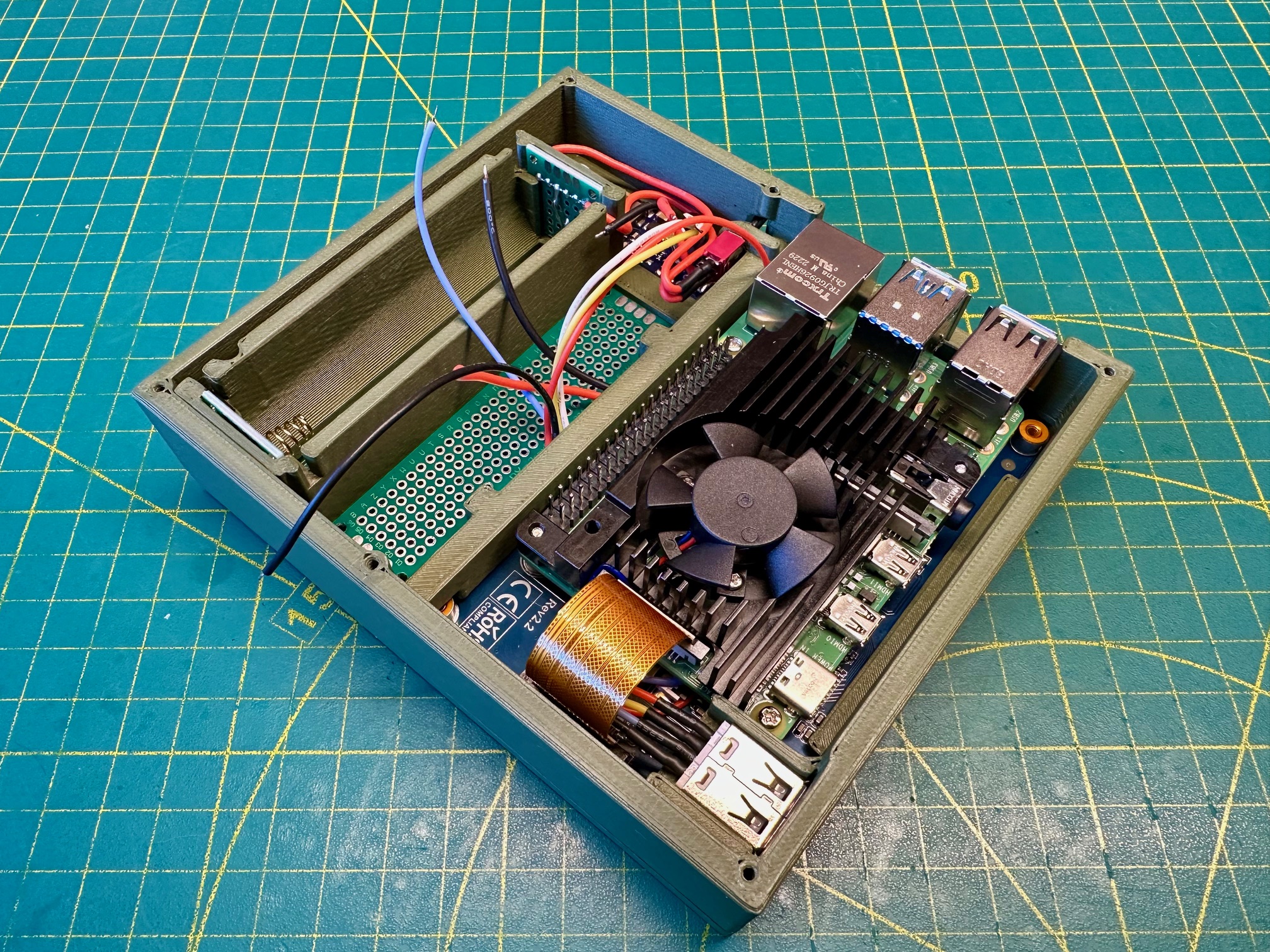
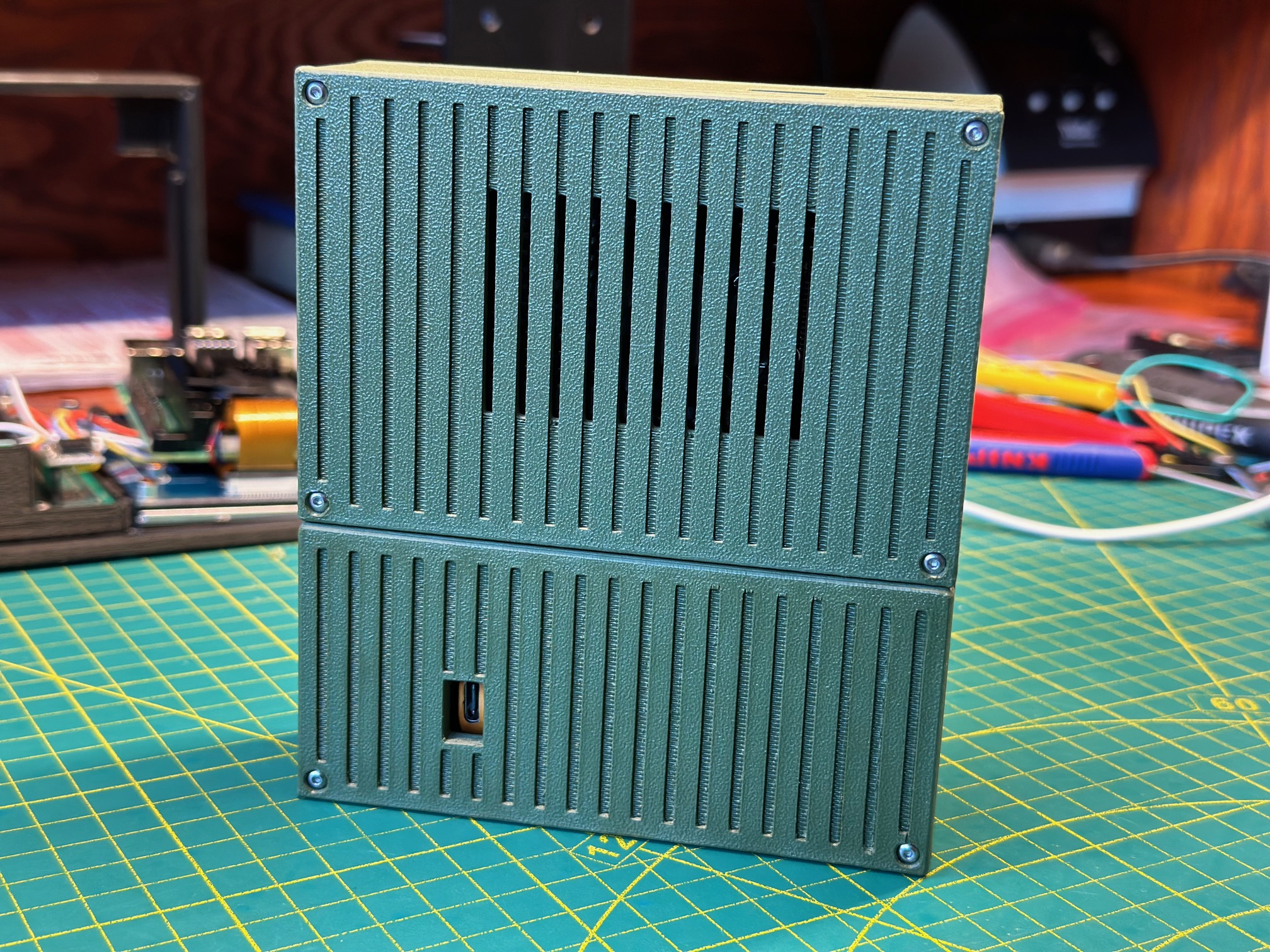
The entire enclosure is 3D-printed and held together with machine screws — nothing glued, nothing snapped into place. The olive green colorway gives it a utilitarian, almost military look that's grown into a signature of this build. The adjustable stand lets you prop the device at different viewing angles on a desk, and the whole thing is compact enough to slip into a cargo pocket or a small bag. The software stack is tailored for development work: Chromium for browsing, VS Code and Arduino IDE for coding, Emacs with SLIME for Common Lisp development via SBCL, Samba for network file sharing, and minidlna for serving media to other devices on the network.
The 3D-printed enclosure is also a great way to give new life to an old Raspberry Pi 3 or 3A+ that's been sitting in a drawer. Drop it in, wire it up, and you've got a fully functional handheld computer. It won't be fast — but it will be yours, it will work, and it's a genuinely fun build. Sometimes the best project is one that turns forgotten hardware into something you actually want to pick up and use.
Parts
| Part | Source |
|---|---|
| Raspberry Pi 4B | Raspberry Pi |
| Waveshare 4.3inch Capacitive Touch Display | Amazon |
| Mini Bluetooth Keyboard | Amazon |
| RTC Clock Module High Precision Real Time Clock | Amazon |
| LC709203F Battery Fuel Gauge | Adafruit |
| GeeekPi Aluminum Heatsink with PWM Controllable Fan for Raspberry Pi 4 | Amazon |
| Pololu U3V50F5 5V Step-Up Voltage Regulator | Pololu |
| 2 Position 3 Pin SPDT Mini Micro Toggle Switch | Amazon |
| #2-56 BSC Screws Stainless Steel, 1/4'', 3/8'', 1/2'' | Trimcraft Aviation RC |
| Silicone Rubber Stranded Wire 20AWG, 28AWG | Amazon |
Downloads
Gallery
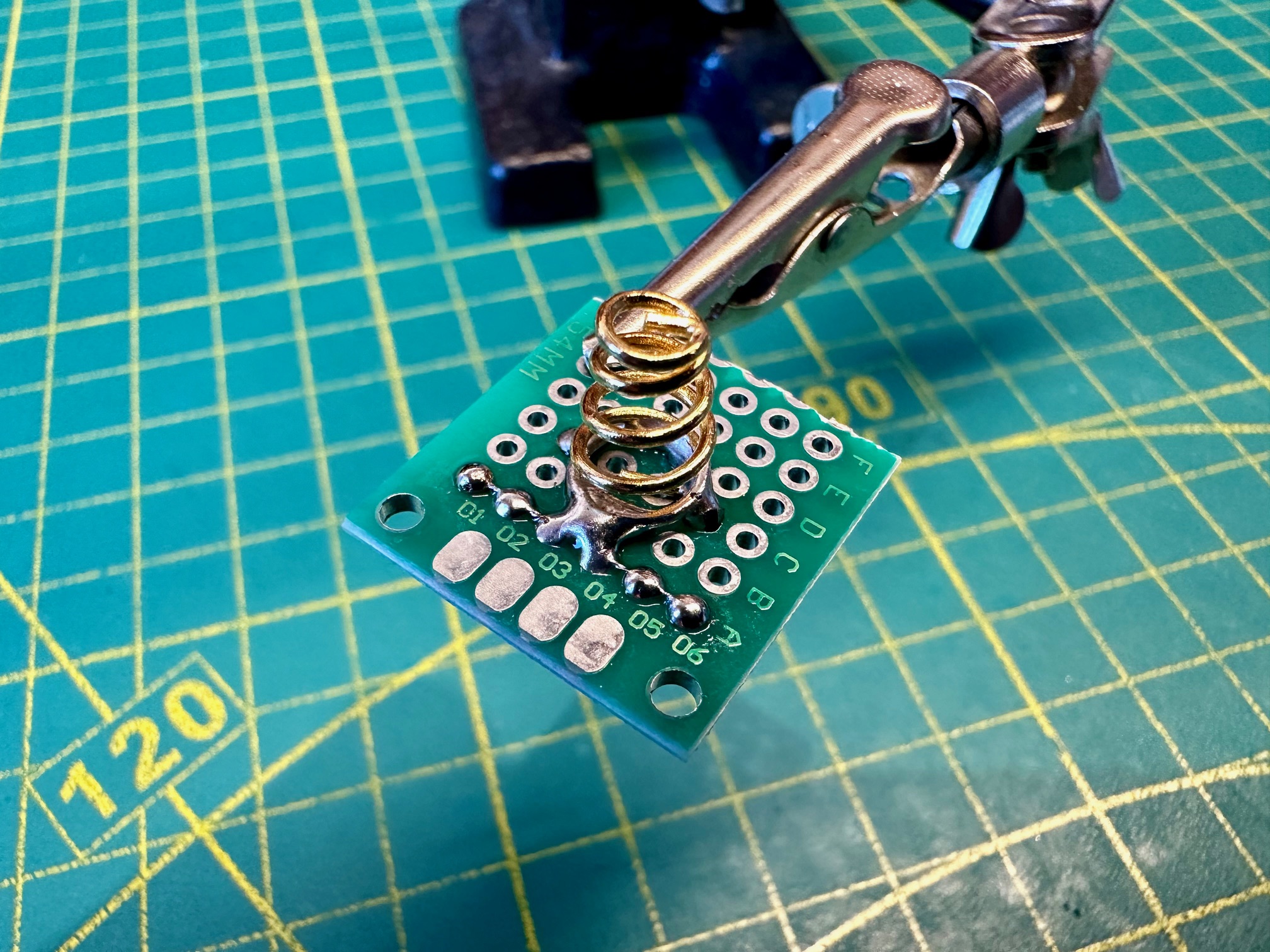
Assembly
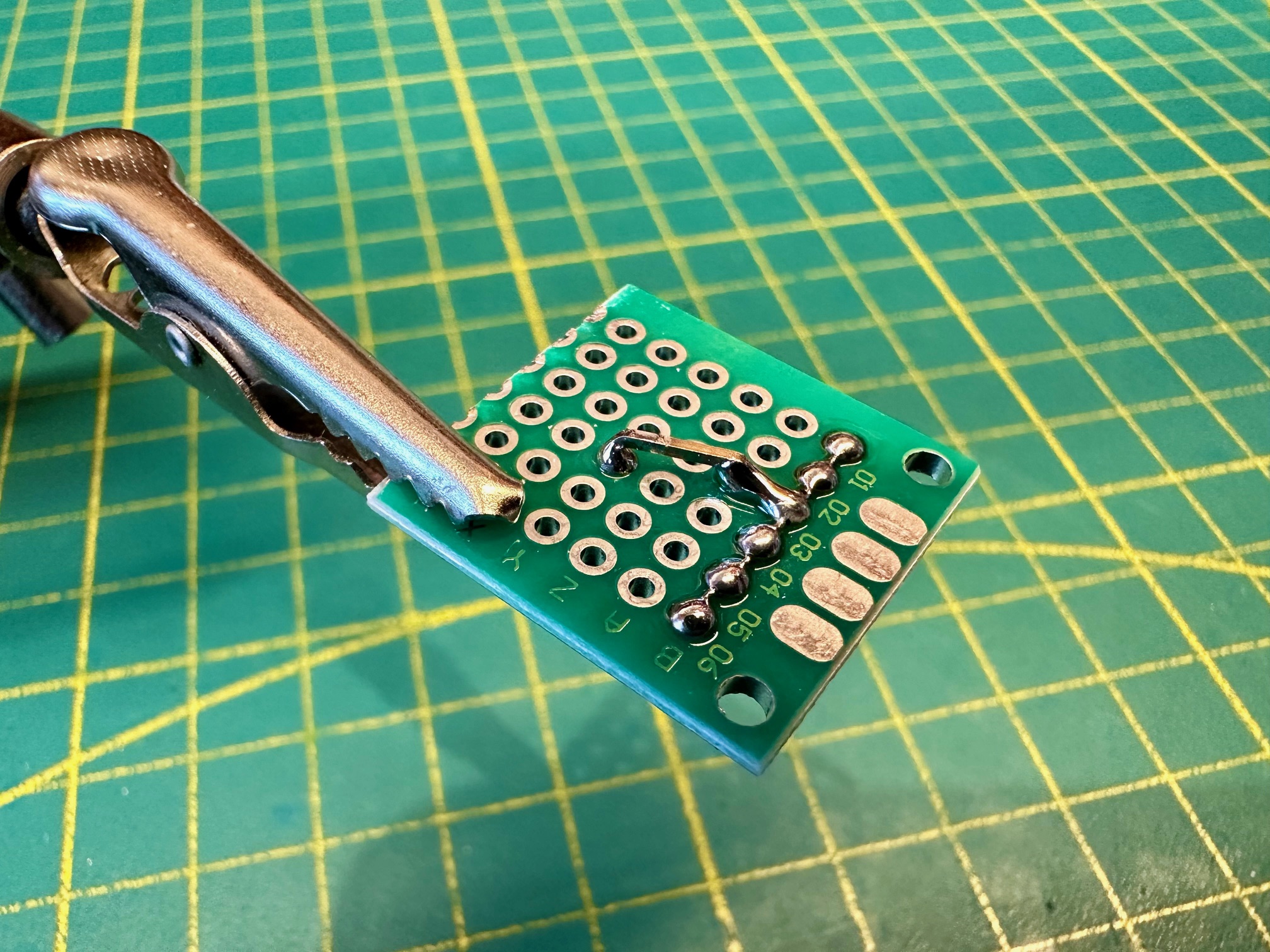
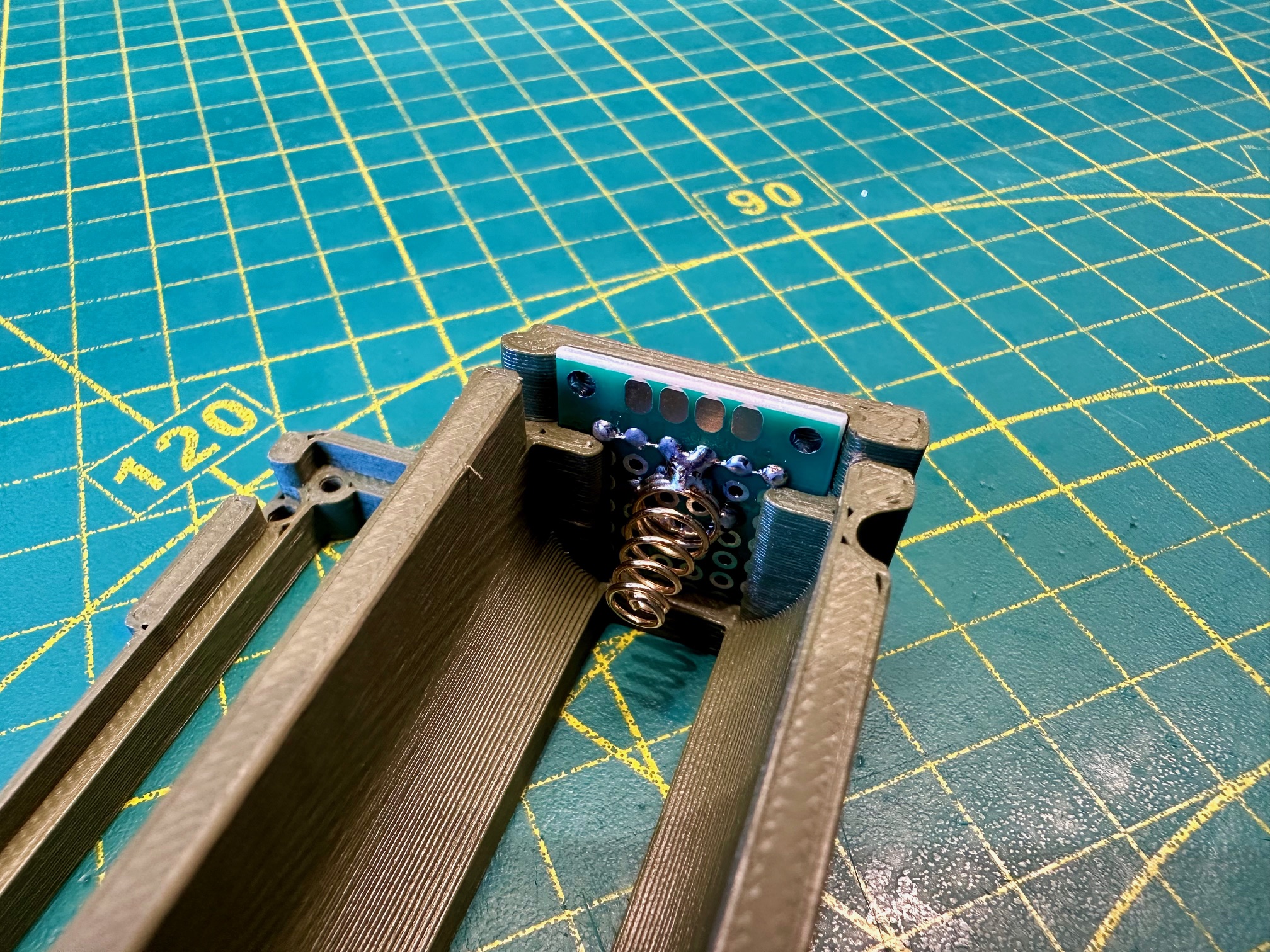
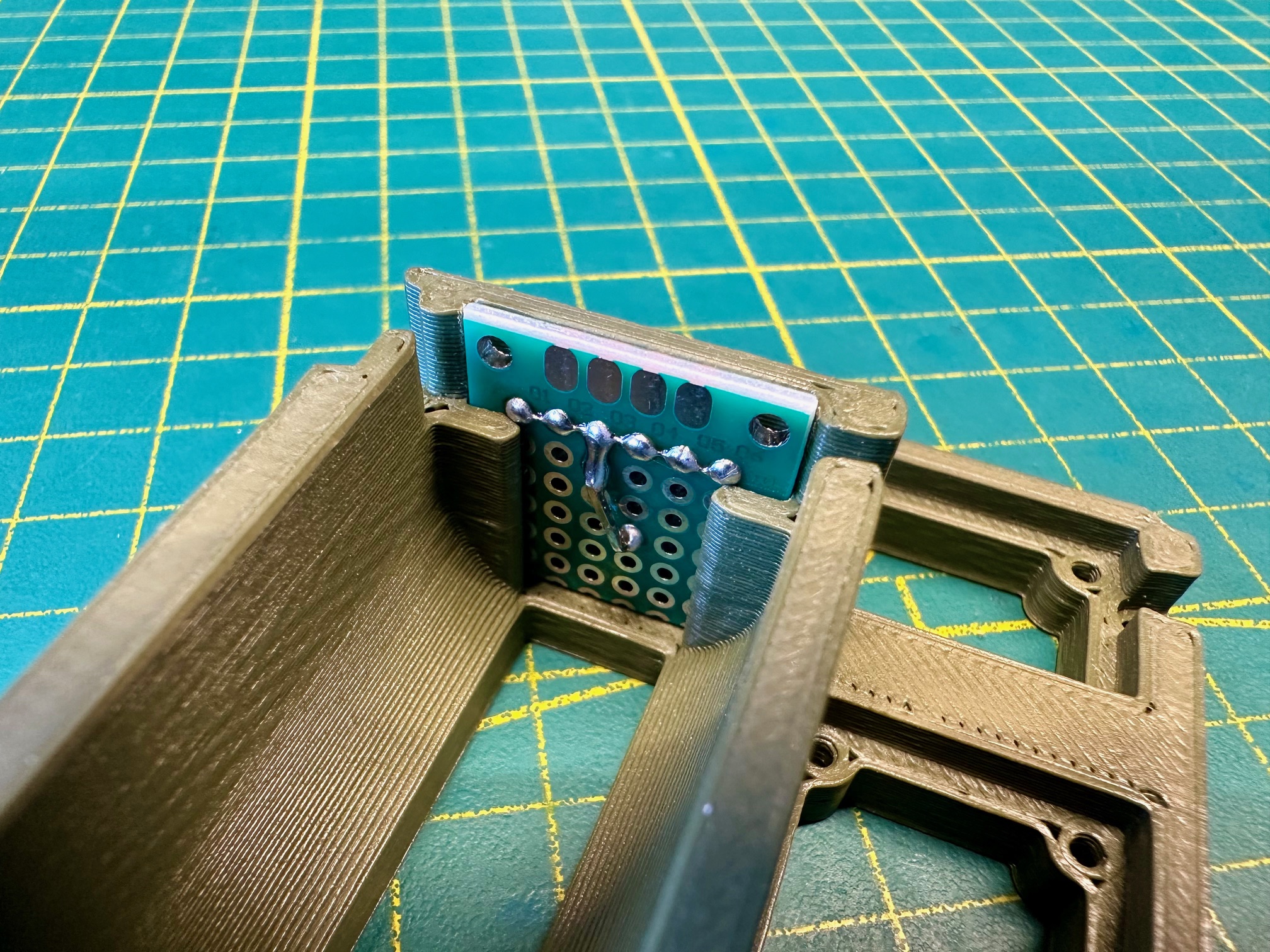
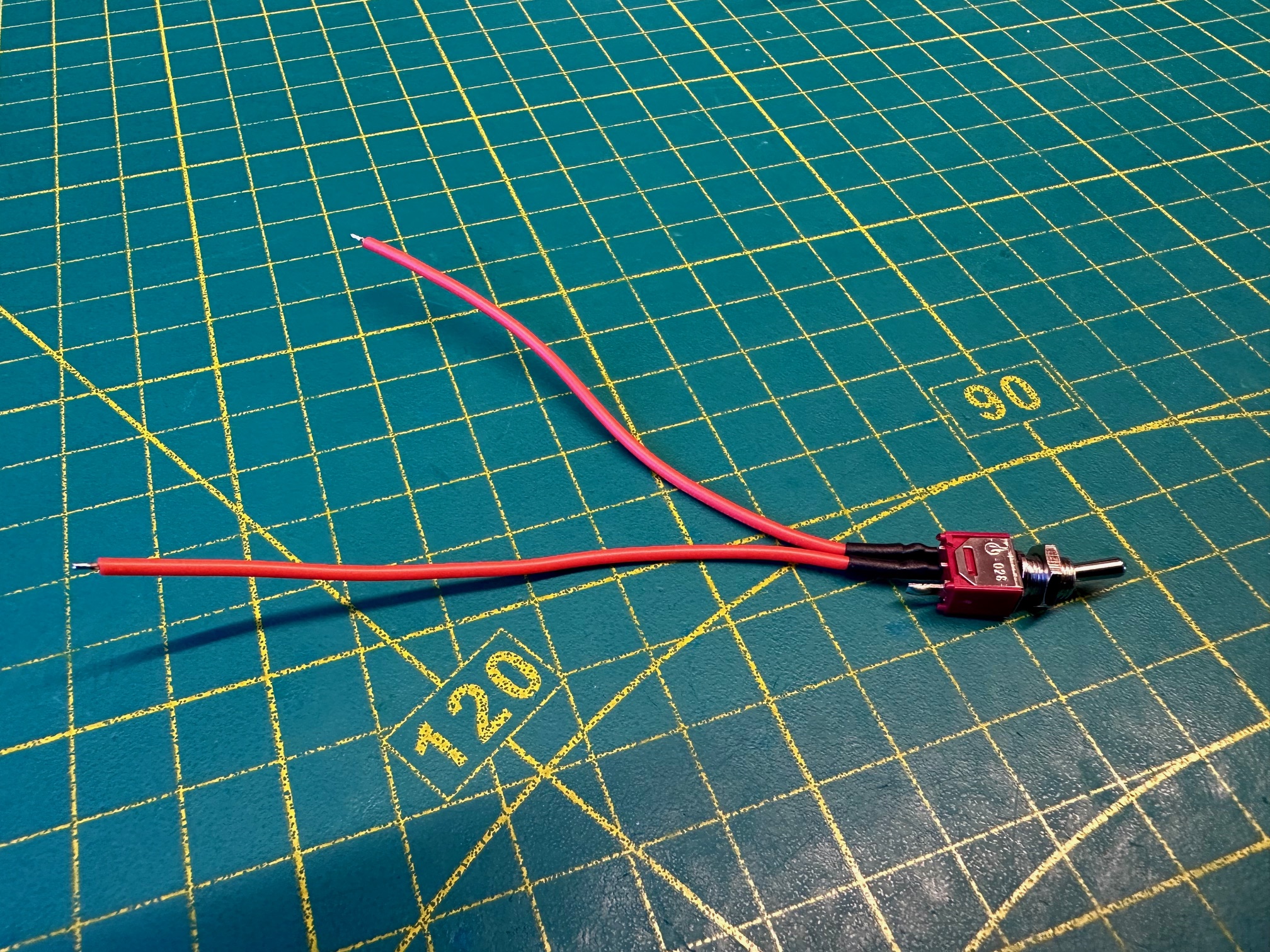
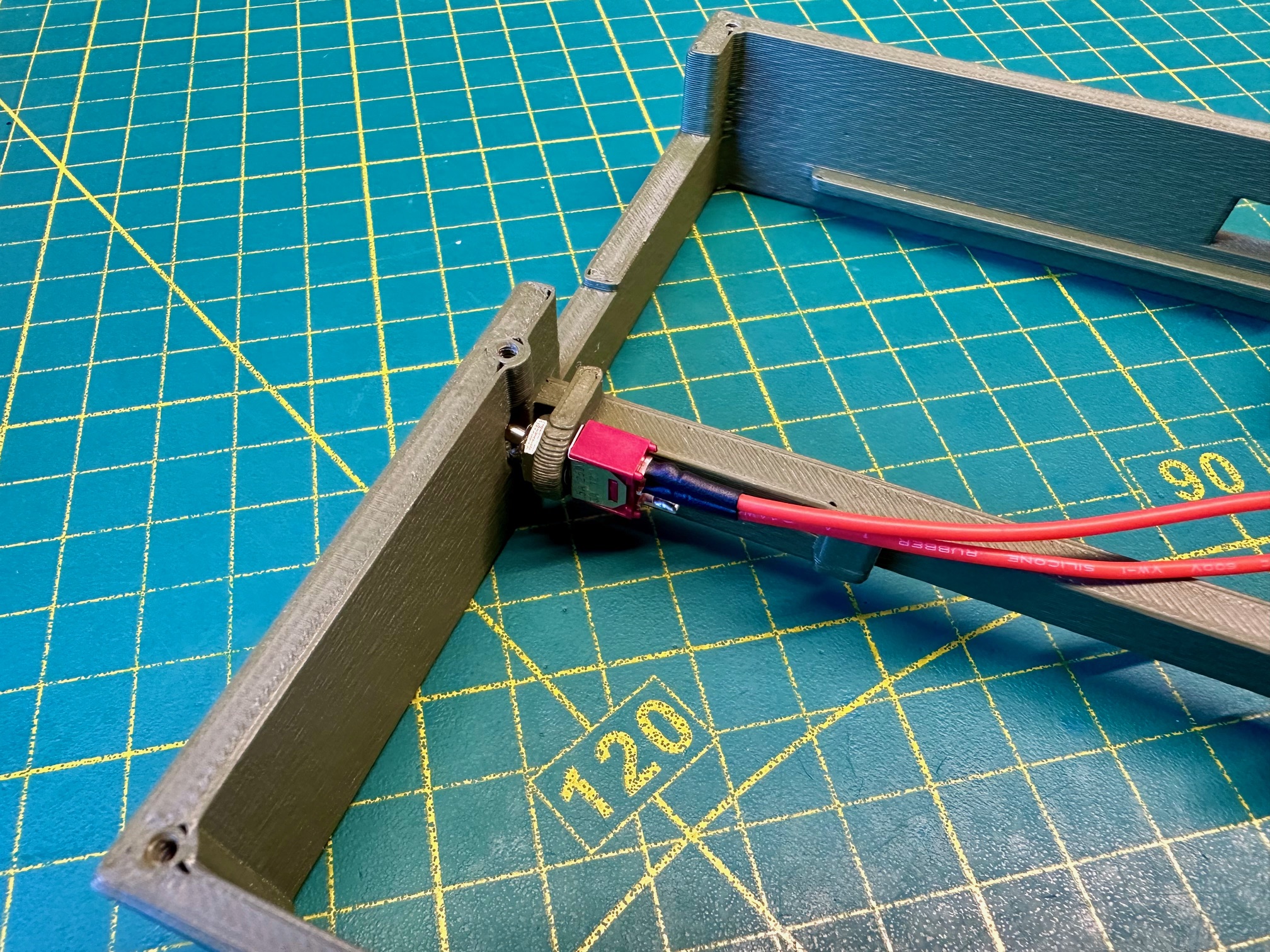
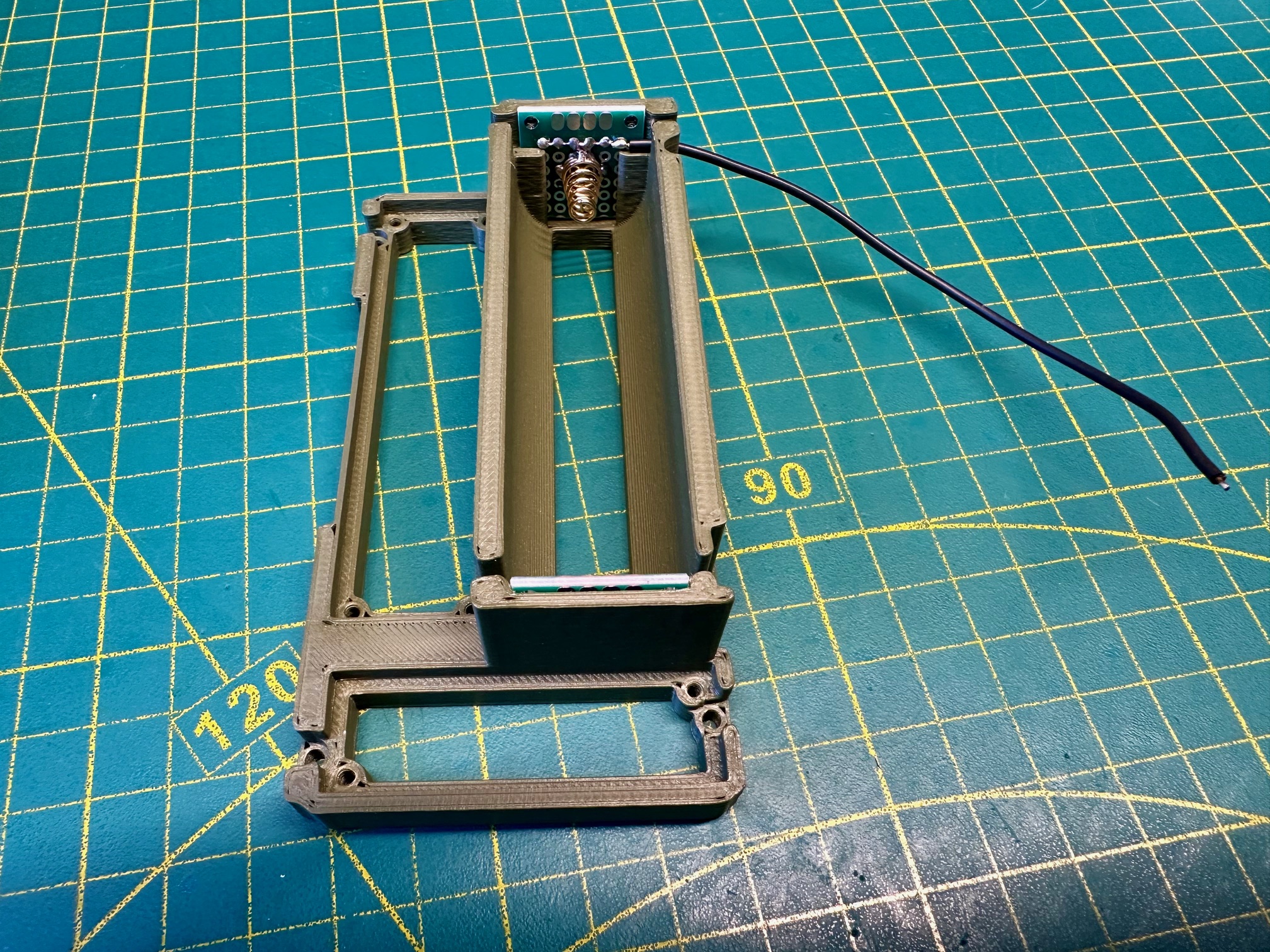
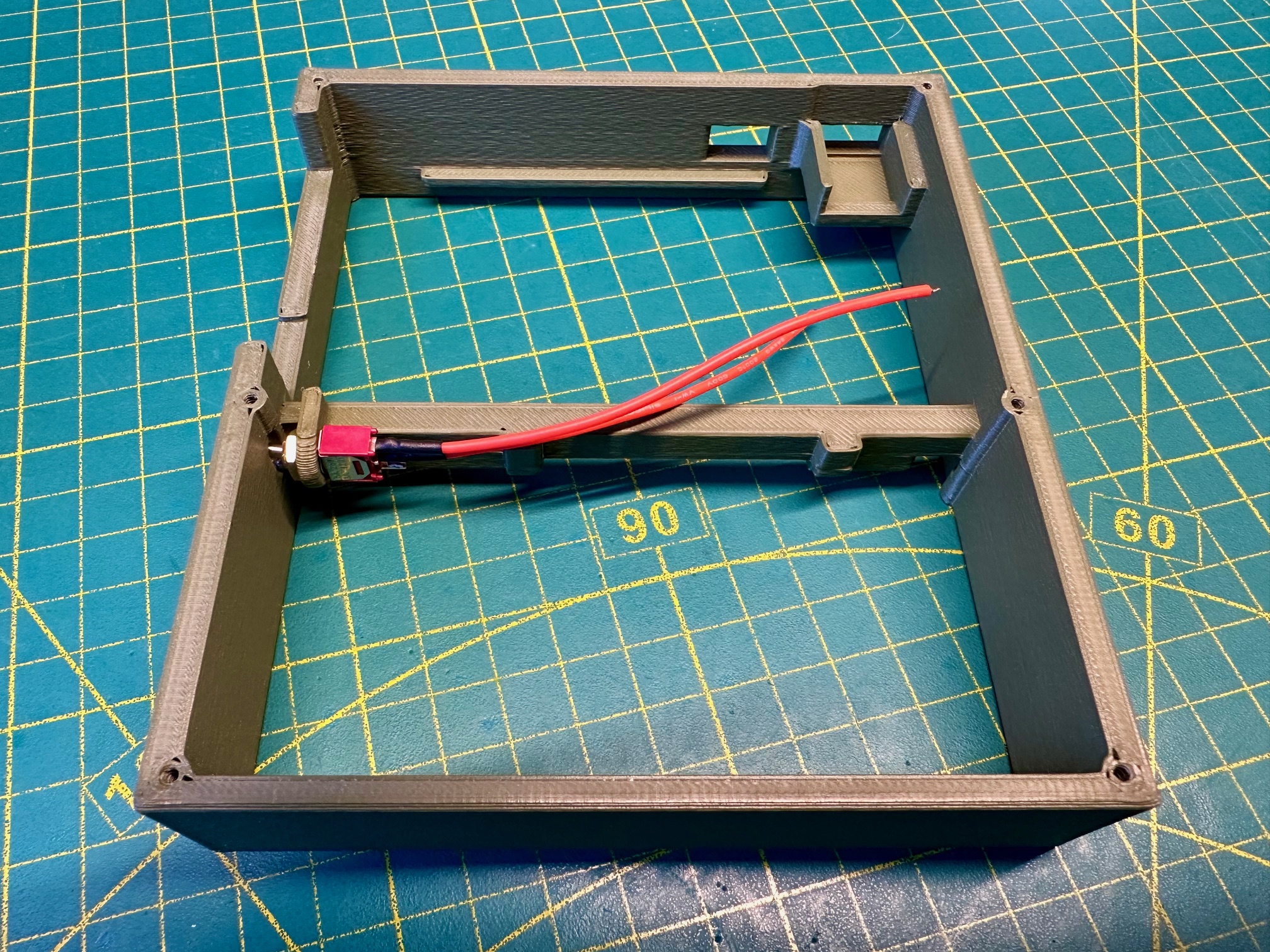
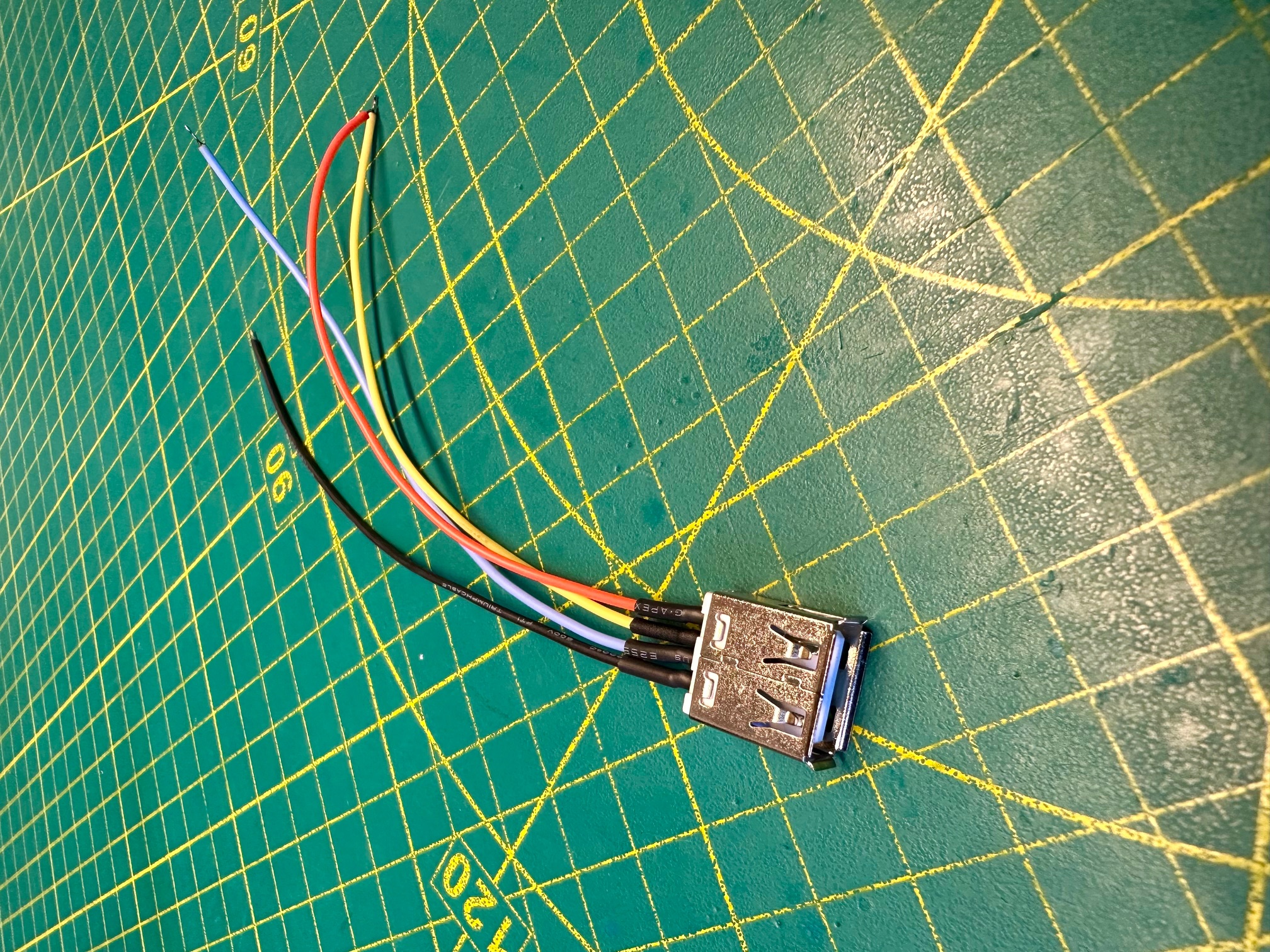
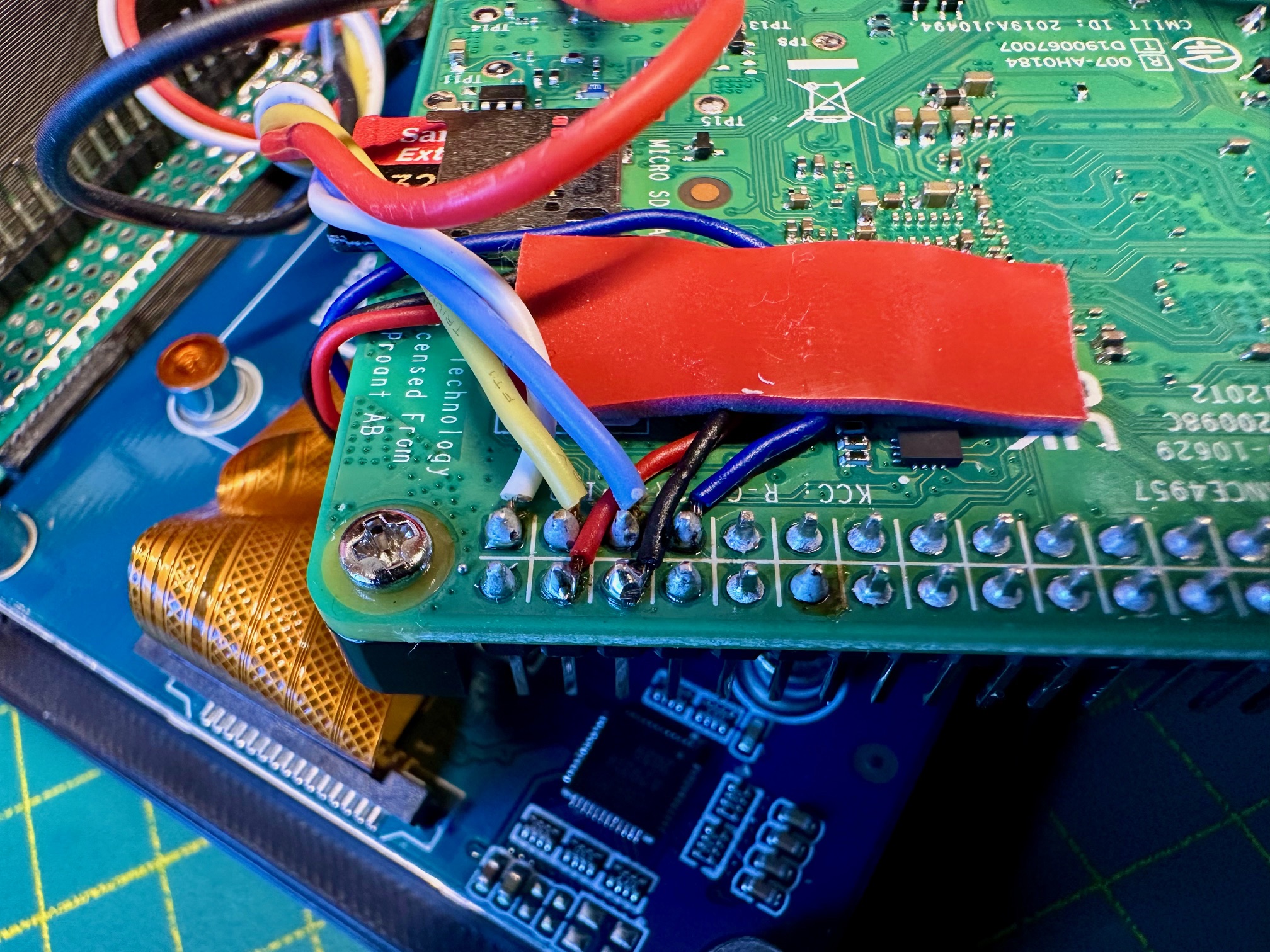
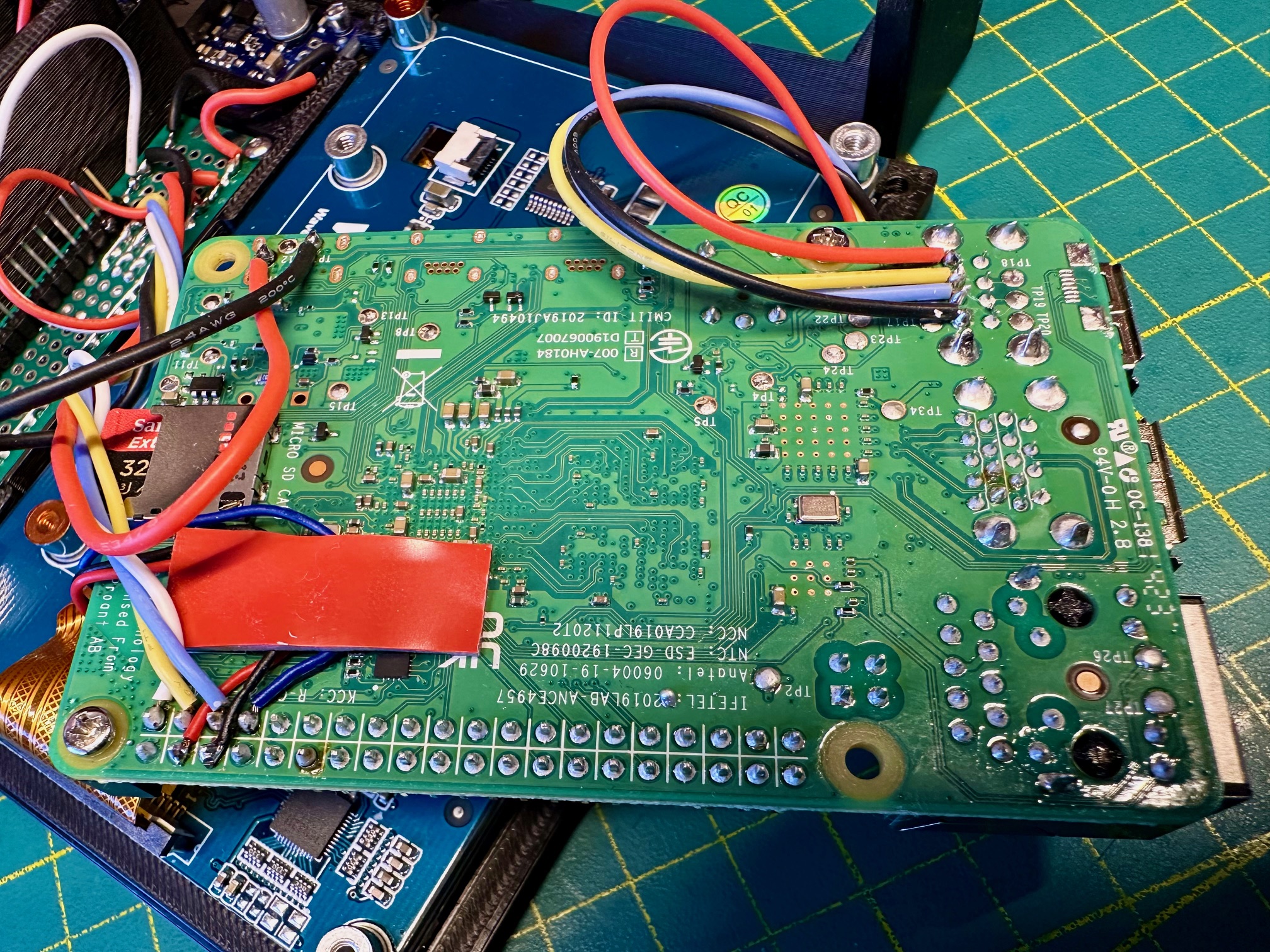
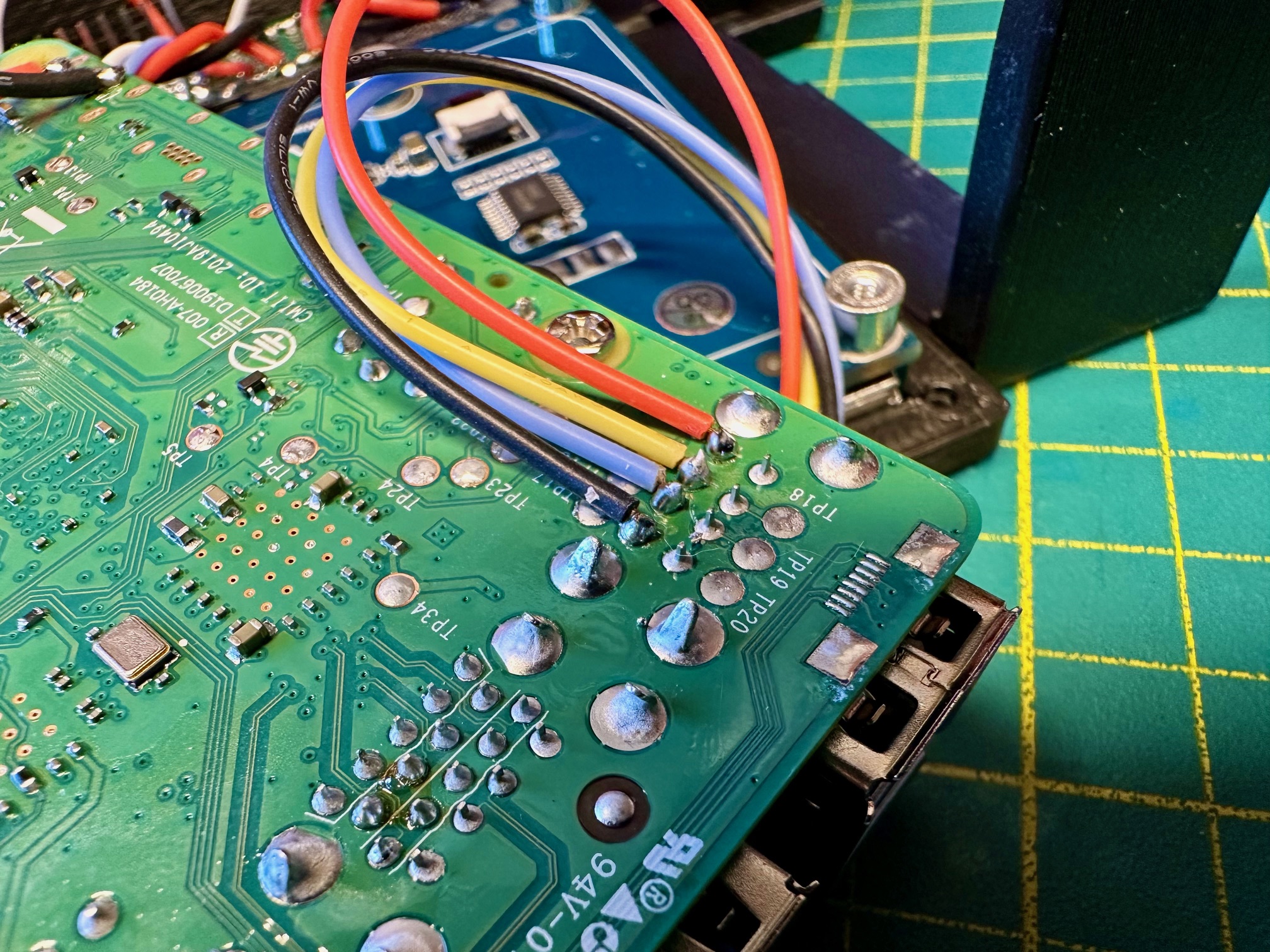
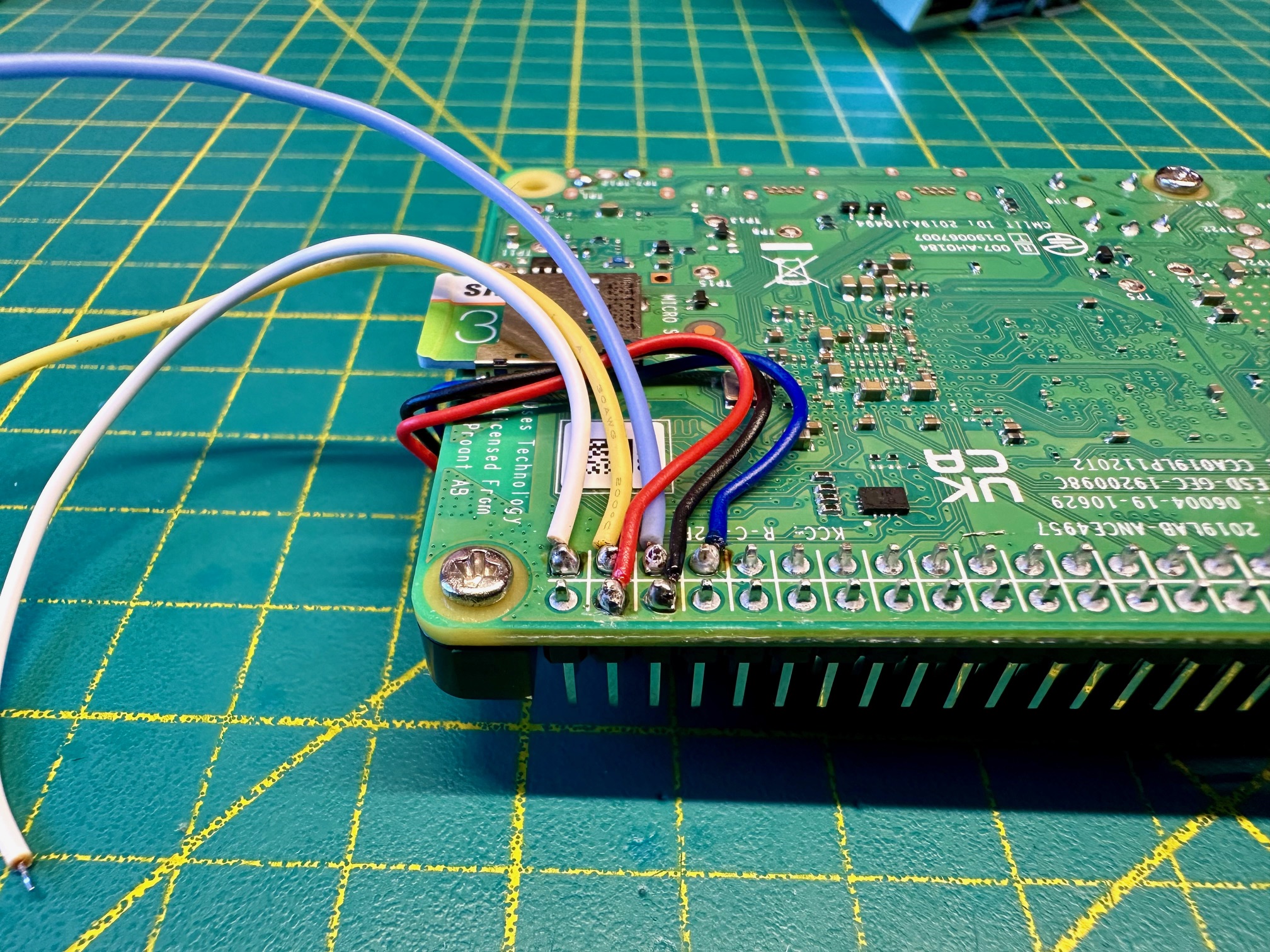
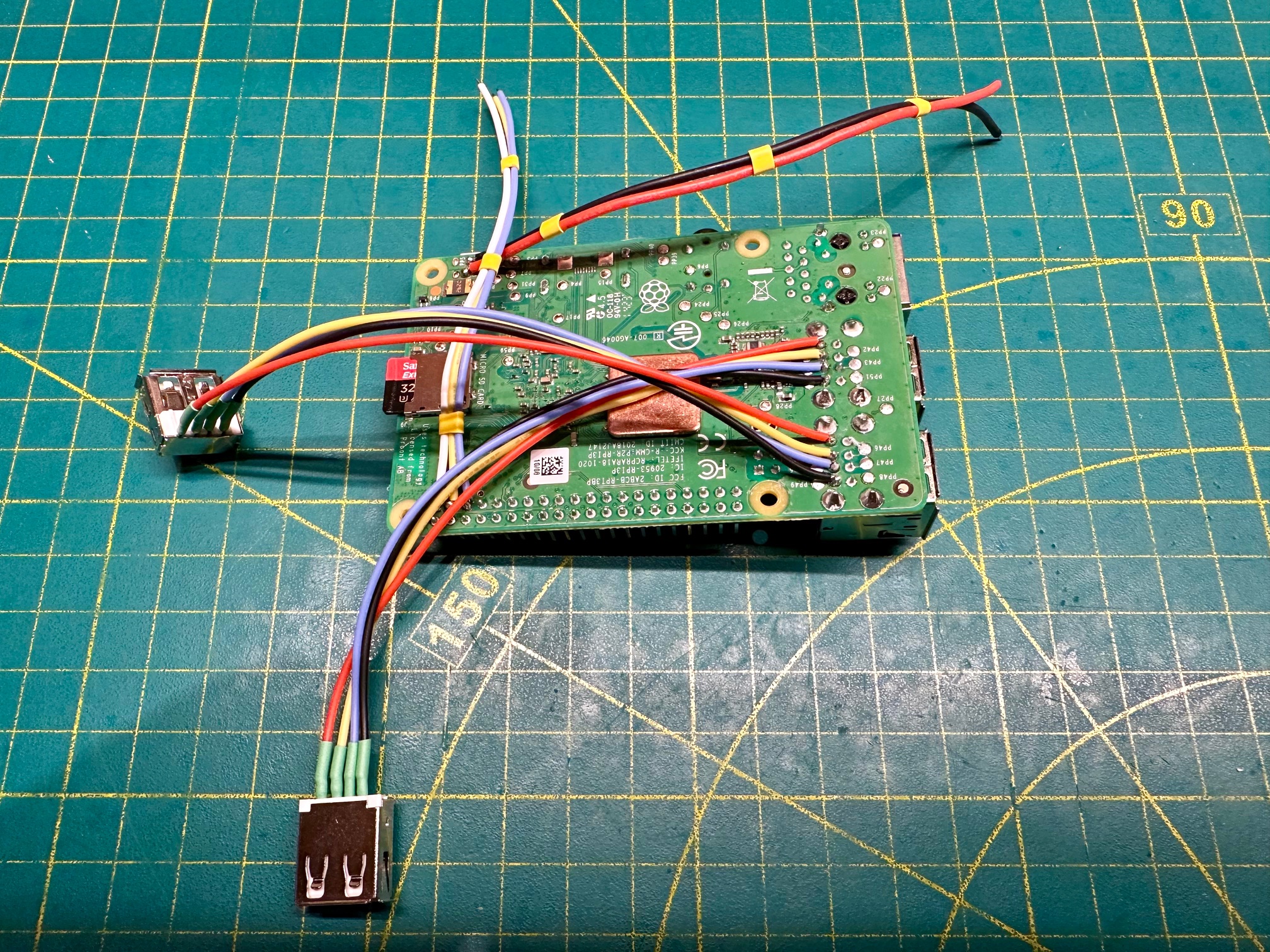
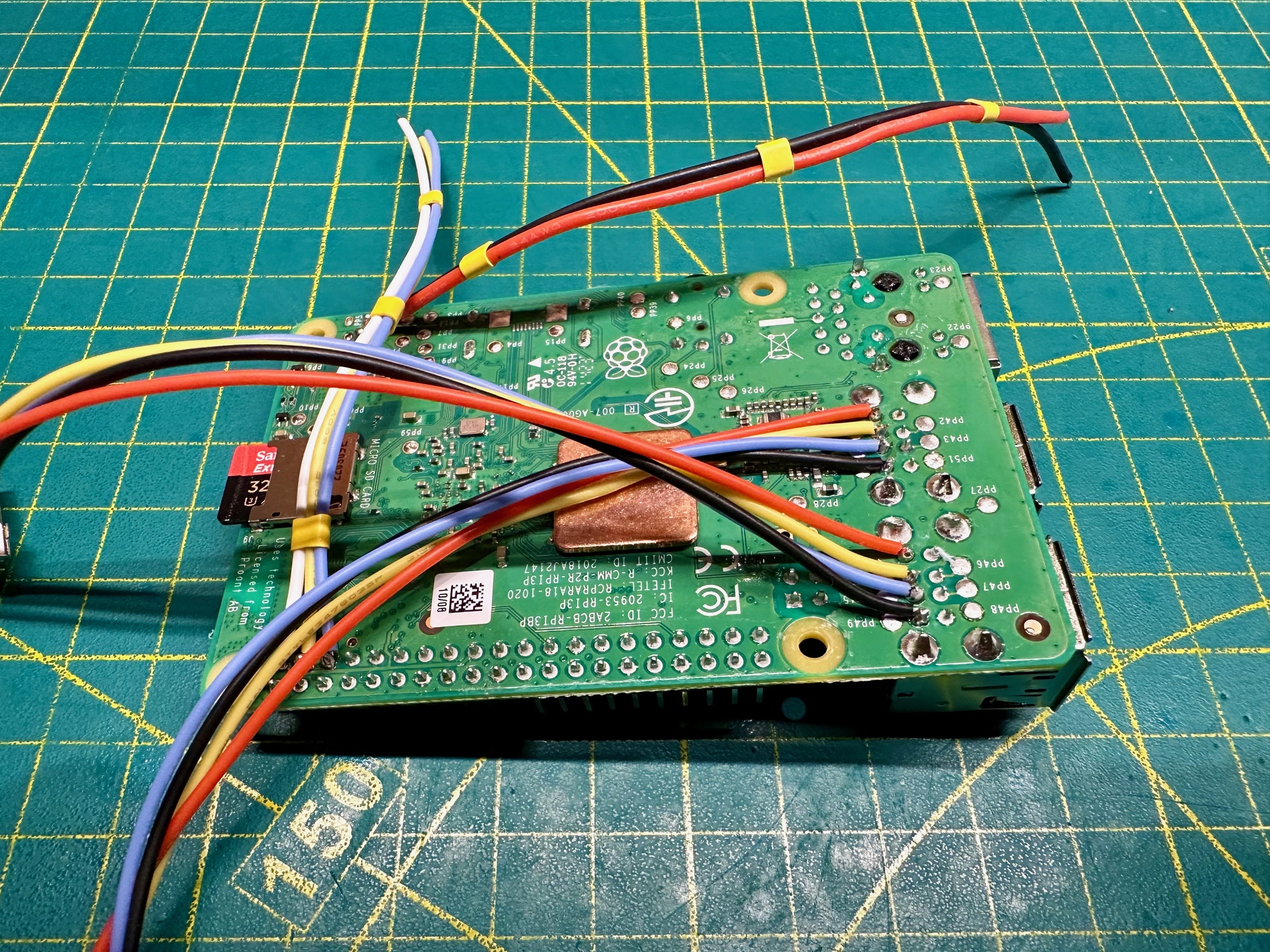
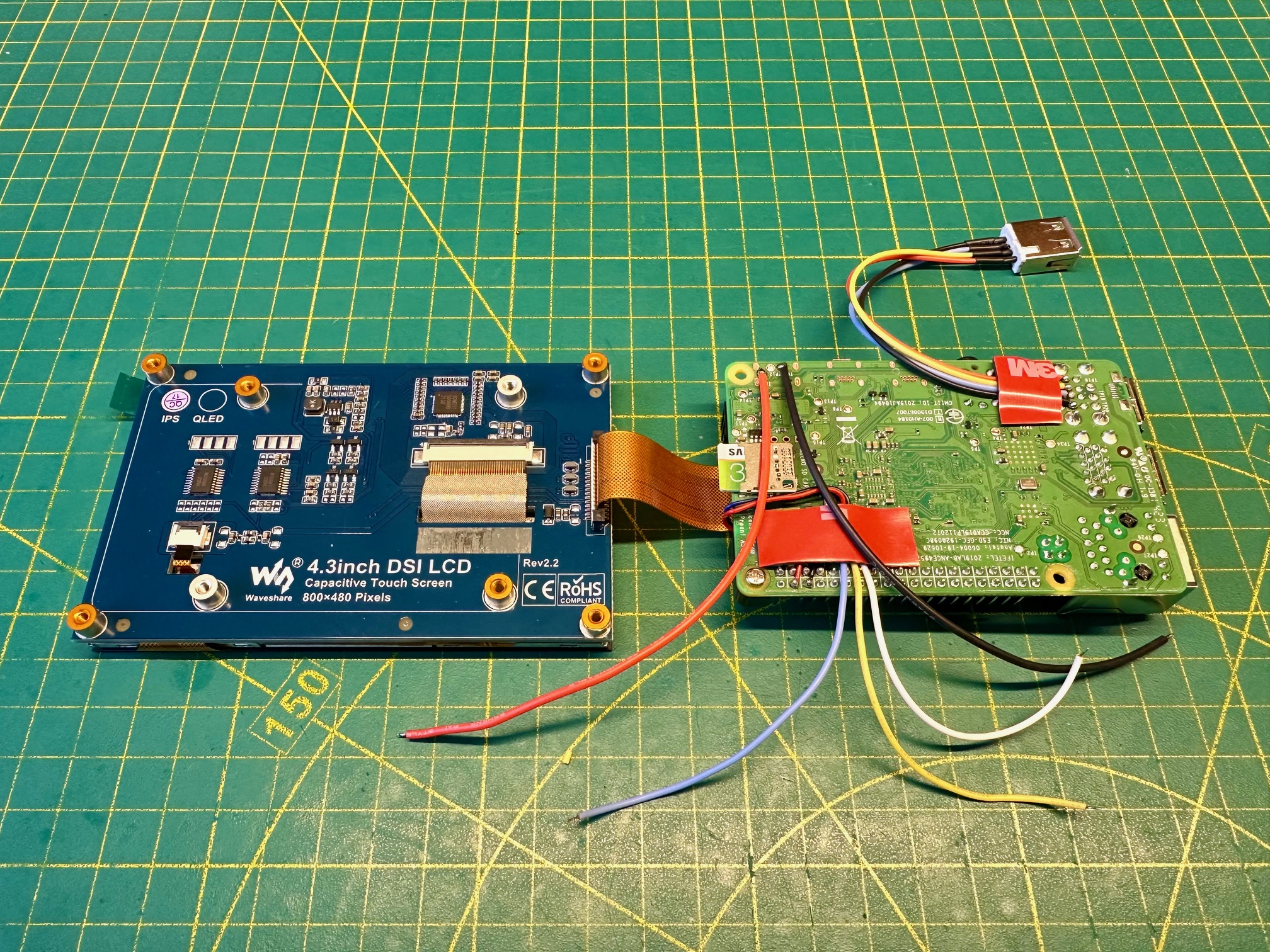
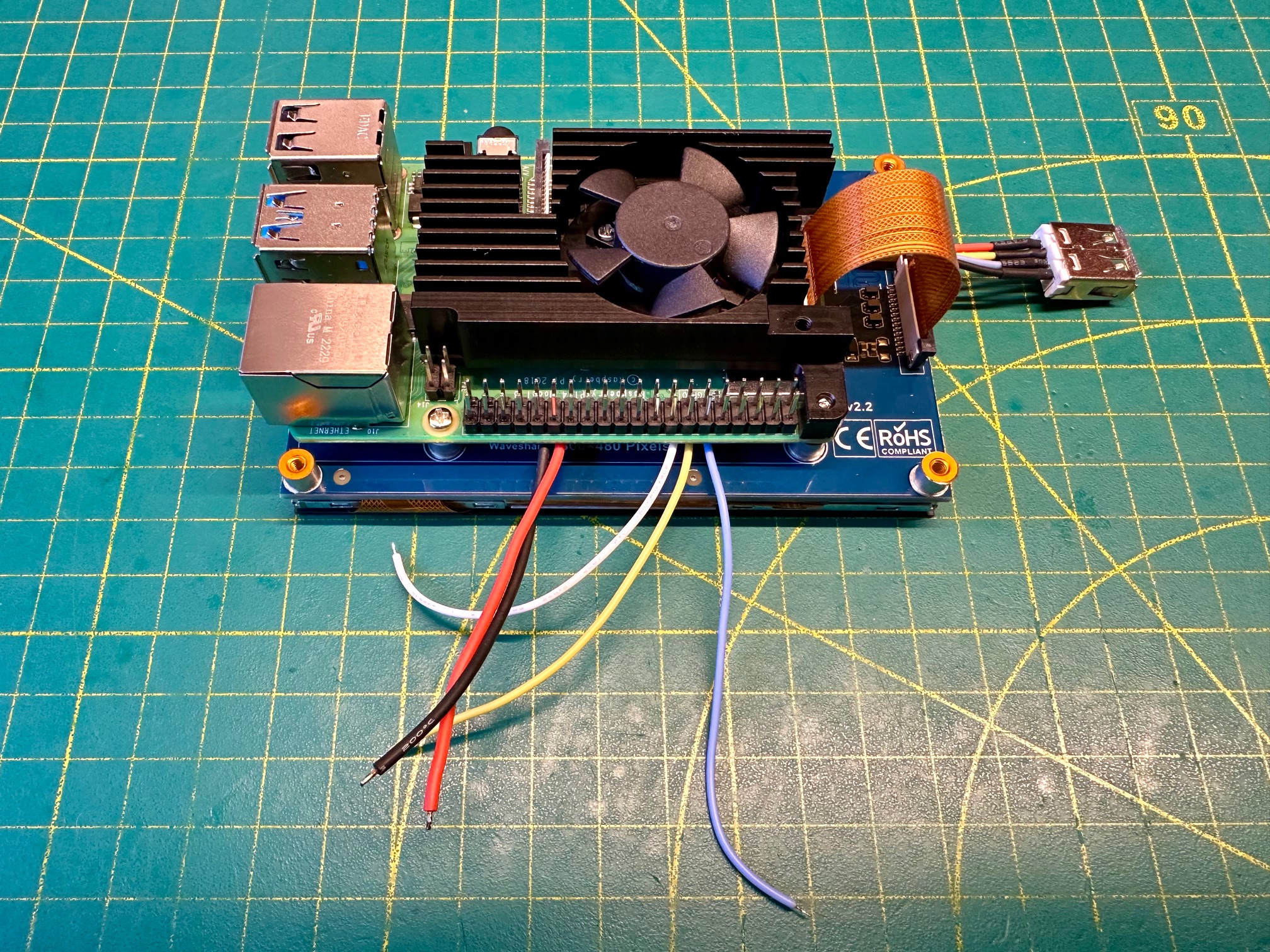
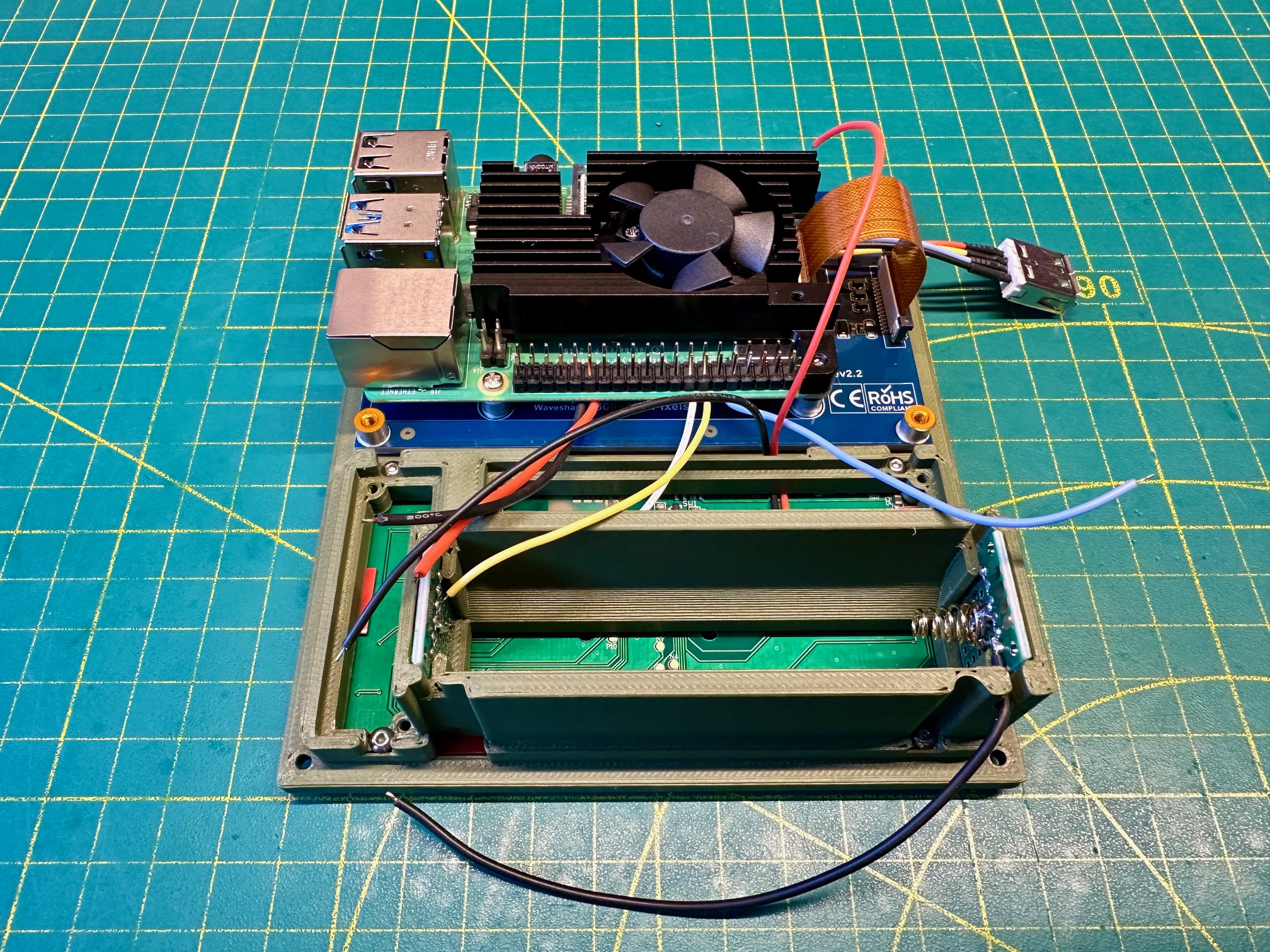
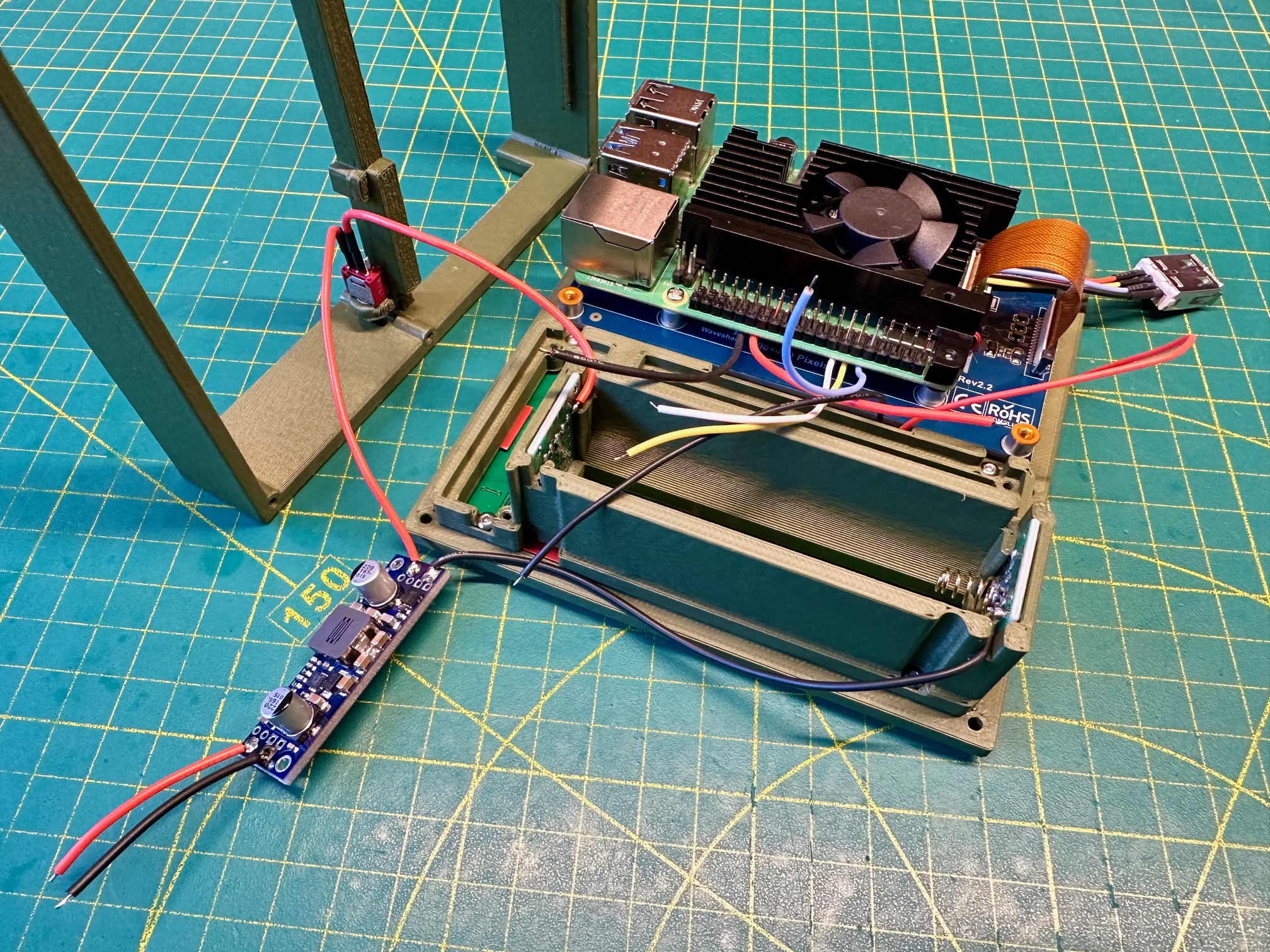
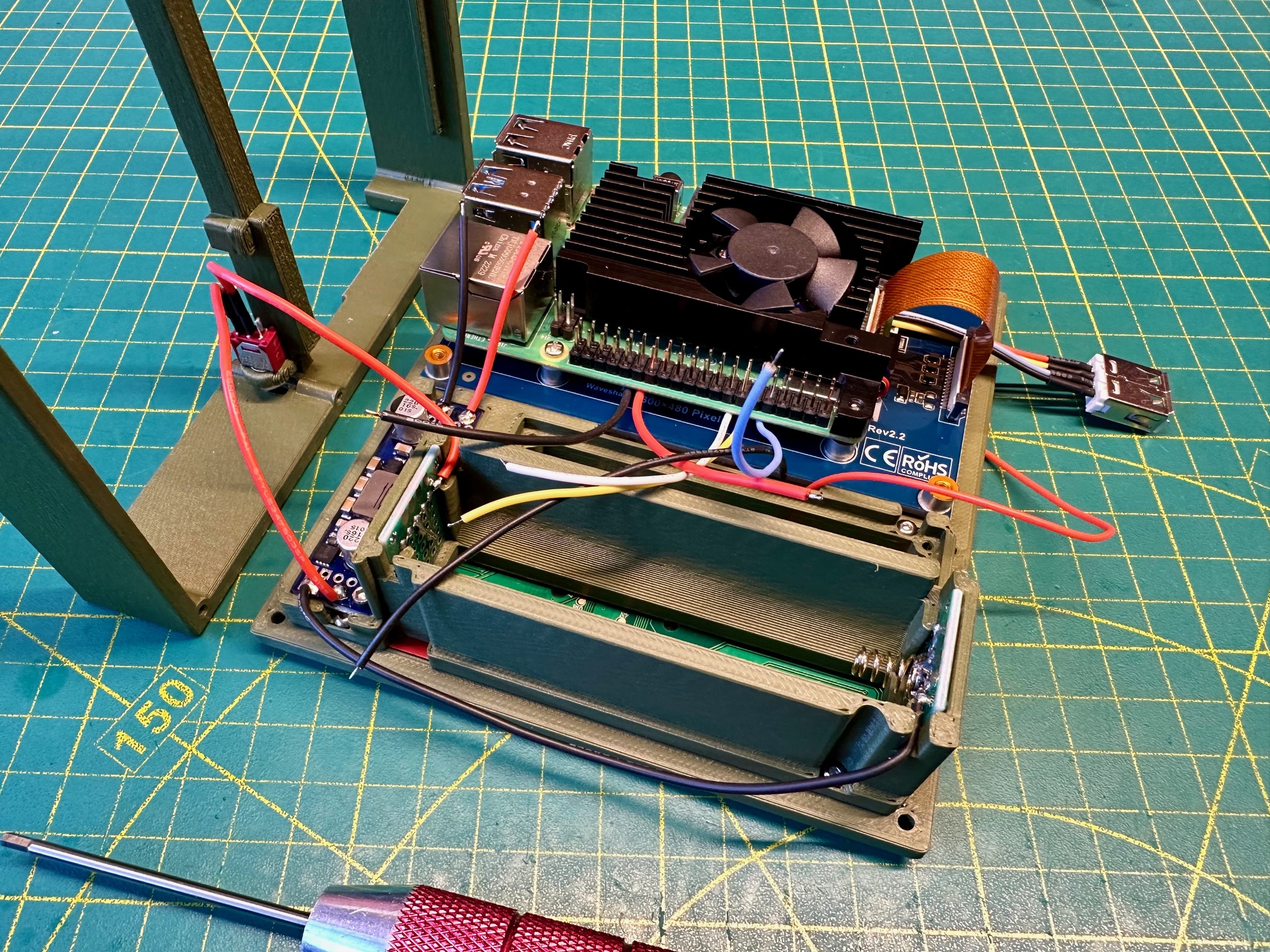
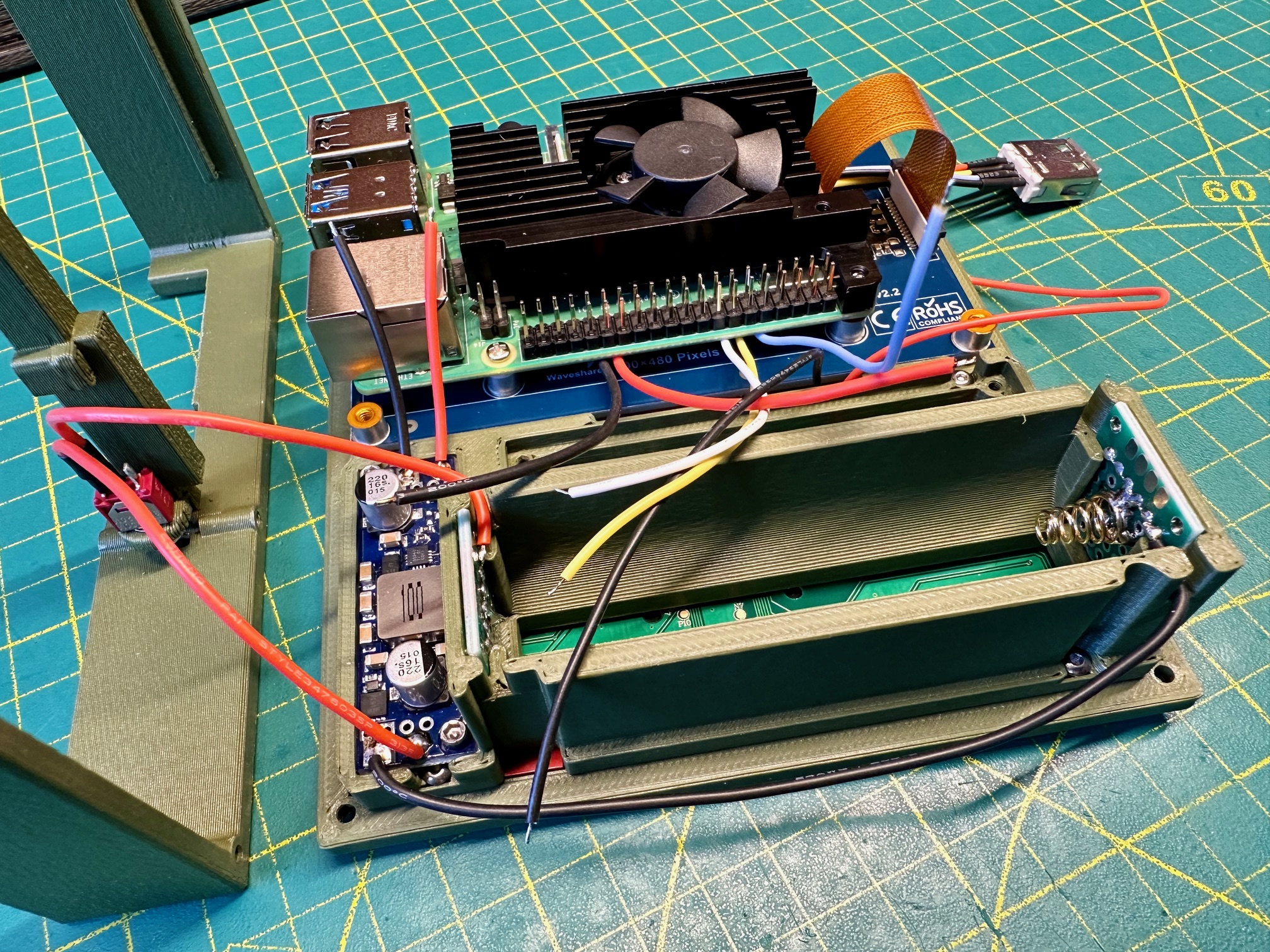
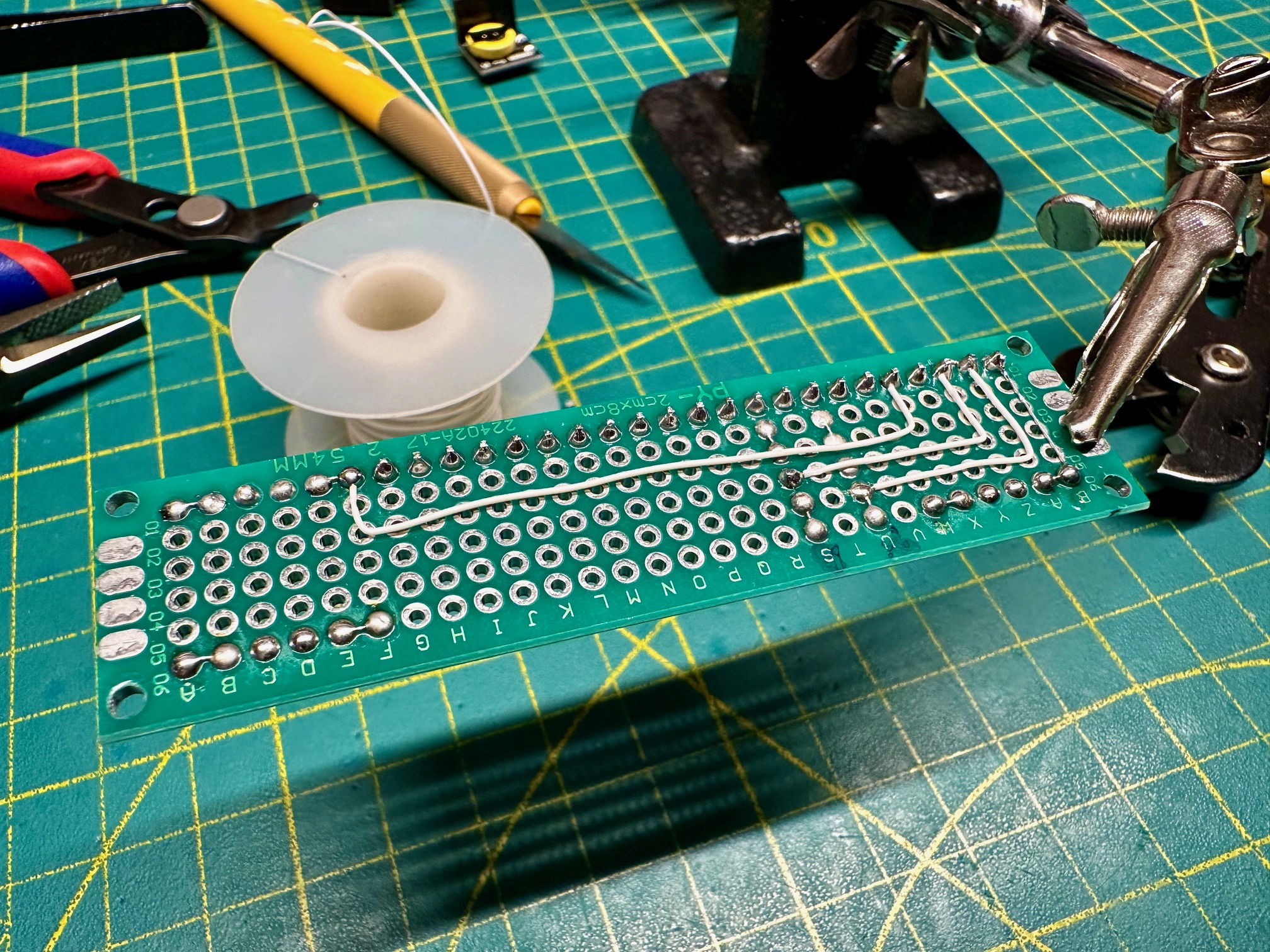
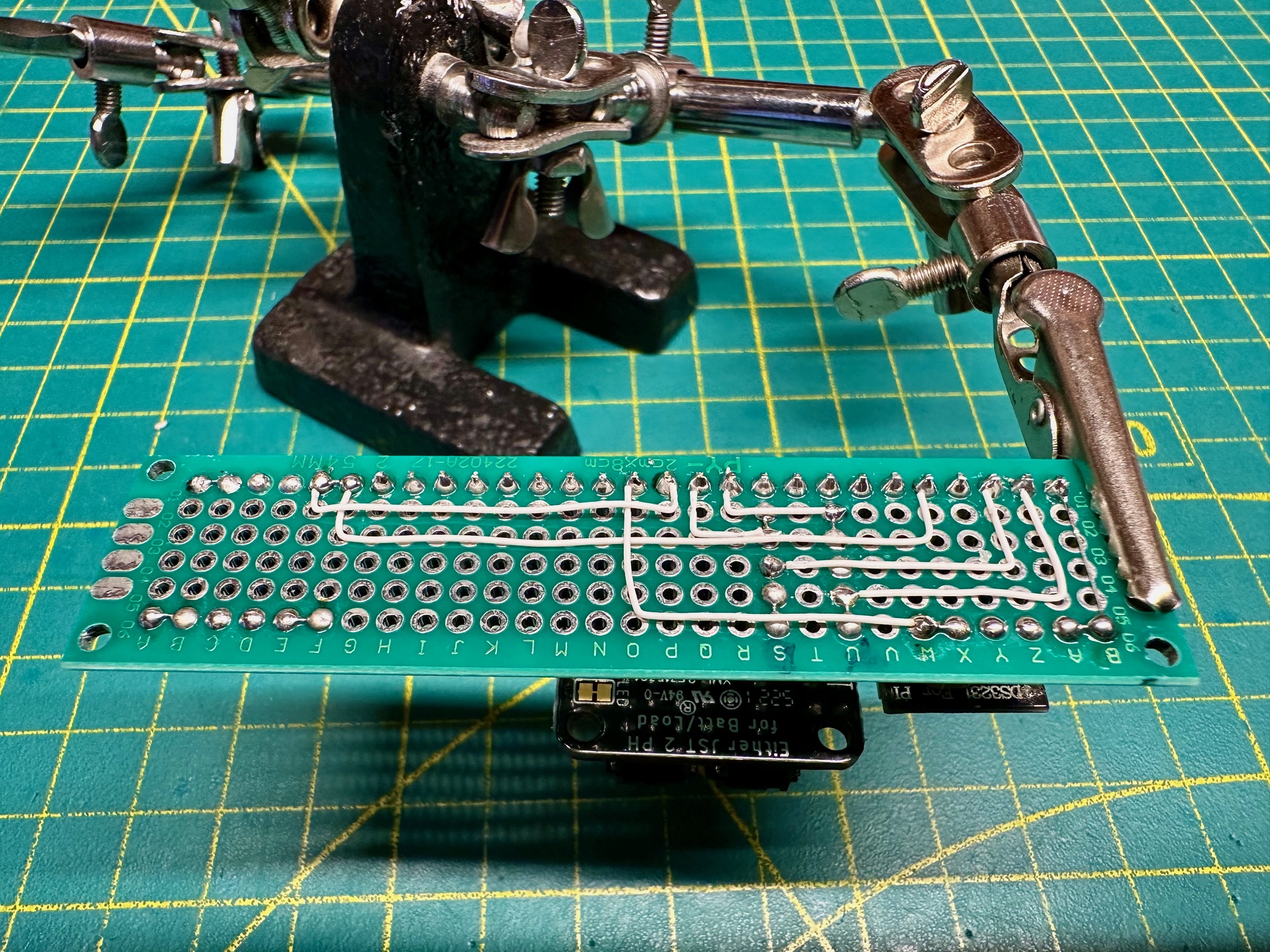
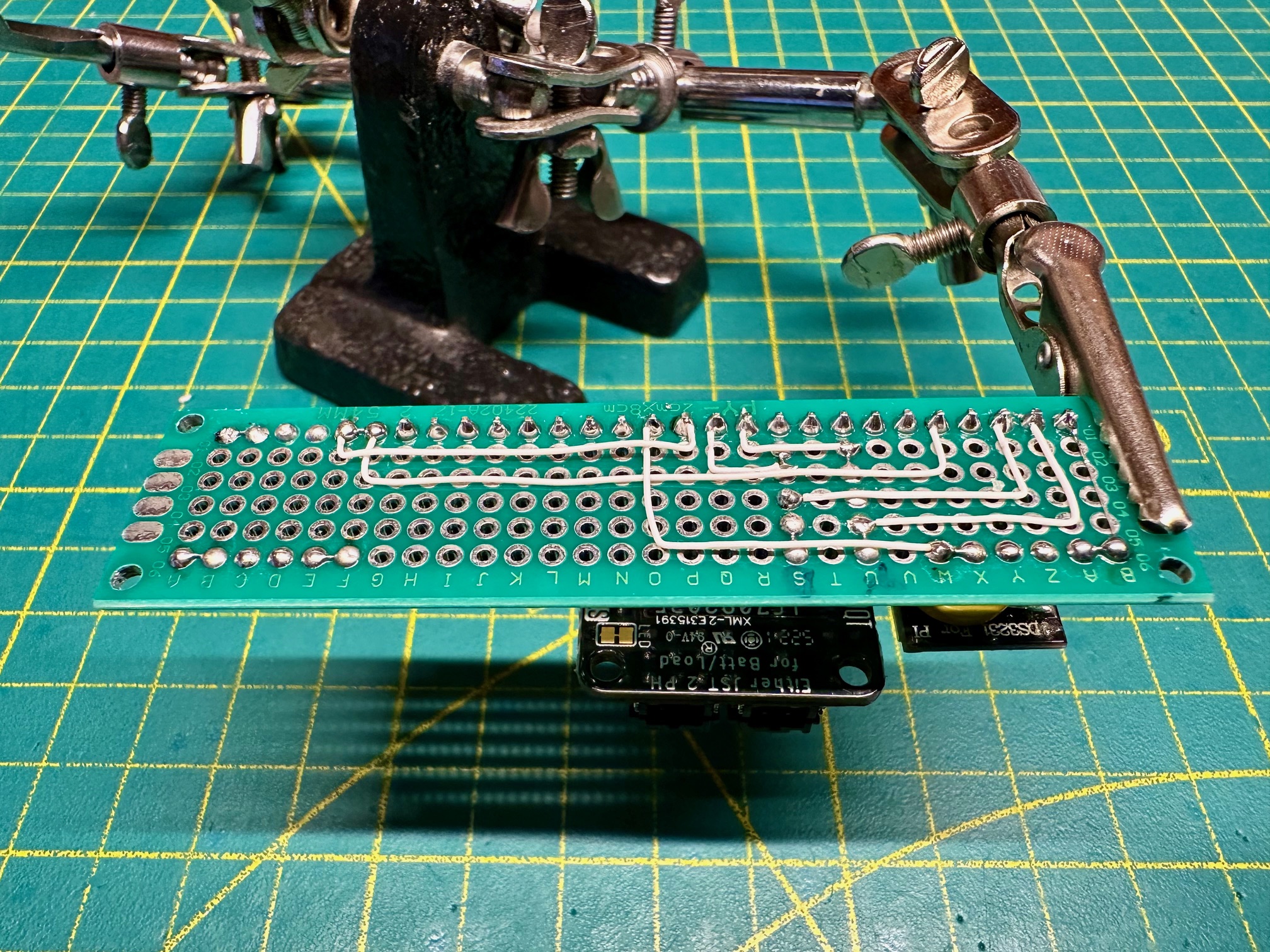
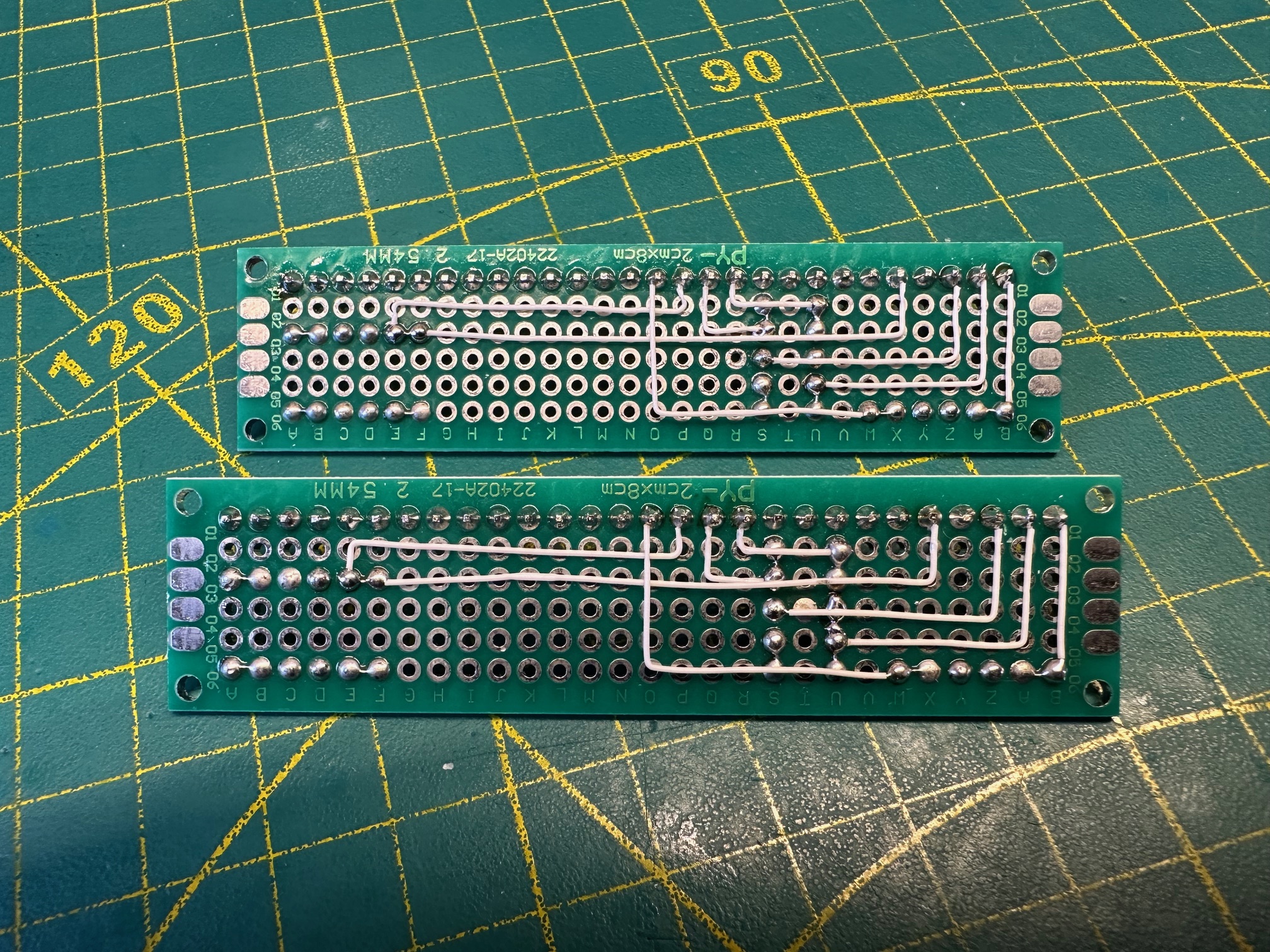
System & Software
Initial Setup
sudo apt update
sudo apt upgrade
sudo raspi-config
# Display Options → Screen Blanking: disable
# Interface Options → I2C: enable
# Performance Options → Fan: GPIO4
Core Packages
sudo apt install tmux vim emacs mc git i2c-tools python3-pip neofetch scrot -yBluetooth Keyboard Pairing
sudo bluetoothctl
agent on
default-agent
scan on
trust XX:XX:XX:XX:XX:XX
pair XX:XX:XX:XX:XX:XX
exit
Key Remapping — Caps Lock to Tab
# Edit /usr/share/X11/xkb/symbols/pc:
key <CAPS> { [ Tab, ISO_Left_Tab ] };
/boot/firmware/cmdline.txt
logo.nologo/boot/firmware/config.txt
dtoverlay=i2c-rtc,ds3231
dtoverlay=gpio-fan,gpiopin=4,temp=60000
dtparam=i2c_arm_baudrate=10000
i3 Window Manager
sudo apt install --no-install-recommends xserver-xorg xserver-xorg-core xserver-common xterm x11-apps xfonts-base xfonts-100dpi xfonts-75dpi xfonts-scalable i3 i3status i3blocks qiv dmenu suckless-tools lightdm x11-xserver-utils -yEnable boot to desktop via raspi-config → System Options → Boot / Auto Login → Desktop GUI.
i3 Configuration (~/.config/i3/config)
font pango:monospace 9

bindsym $mod+Shift+e exec sh -c '[ $(echo "yes\nno"|dmenu -i -p "Do you really want to exit i3?") = "yes" ] && i3-msg exit'

bindsym XF86HomePage exec i3-sensible-terminal
bindsym XF86Mail kill
Xterm Configuration (~/.Xresources)
xterm*faceName: DejaVu Sans Mono:pixelsize=14
xterm*foreground: white
xterm*background: black
xterm*cursorColor: *XtDefaultForeground
xrdb ~/.XresourcesLightDM Greeter (/etc/lightdm/lightdm-gtk-greeter.conf)
[greeter]
background=/usr/share/backgrounds/800x480-background-yarh-io-001.gif
default-user-image=/usr/share/backgrounds/96x96-default-user-image-yarh_io-001.png
Additional Software
sudo apt install chromium code arduino nodejs sbcl okular -y
sudo apt install udisks2 udiskie -y
Emacs & Common Lisp (SBCL + SLIME)
sudo apt install sbcl -y
cd ~/Downloads
wget https://beta.quicklisp.org/quicklisp.lisp
sbcl --load ~/Downloads/quicklisp.lisp
;; In SBCL REPL:
(quicklisp-quickstart:install)
(ql:add-to-init-file)
(ql:quickload "quicklisp-slime-helper")
(quit);; ~/.emacs — SLIME configuration:
(load (expand-file-name "~/quicklisp/slime-helper.el"))
(setq inferior-lisp-program "sbcl")Samba File Sharing
sudo apt install samba samba-common -y# /etc/samba/smb.conf:
[M4BLK]
path = /home/pi/
writeable = yes
browseable = yes
create mask = 0775
directory mask = 0775
public=nosudo smbpasswd -a pi
sudo systemctl restart smbdBattery Monitor Service
The M4 uses a custom battery monitoring system built around the Adafruit LC709203F fuel gauge connected over I2C. The software has two parts: a Linux kernel module that creates a virtual battery device at /dev/integrated_battery, and a C++ userspace service that reads voltage and charge percentage from the LC709203F and writes the data to the kernel module every 5 seconds. This makes the battery appear as a native Linux power supply — i3status, LXDE, and any other standard Linux battery indicator picks it up automatically.
Source code: github.com/yarh-io/m4-integrated-battery
# Clone and build
cd ~/bin
git clone https://github.com/yarh-io/m4-integrated-battery.git
cd m4-integrated-battery
make
# Install and enable the service
sudo ln -s /home/pi/bin/m4-integrated-battery/battery_update_linux.service /etc/systemd/system/battery_update_linux.service
sudo systemctl start battery_update_linux.service
sudo systemctl enable battery_update_linux.service# Manual control (for testing)
sudo echo "charging = 1" > /dev/integrated_battery # set state to charging
sudo echo "charging = 0" > /dev/integrated_battery # set state to discharging
sudo echo "capacity0 = 75" > /dev/integrated_battery # set battery to 75%Battery Discharge Profile
Real-world discharge test with the M4 running i3, Wi-Fi connected, screen on. The 5000mAh LiPo cell delivers over 5 hours of usable runtime before voltage drops below the safe operating threshold. The chart below shows actual sensor data logged by the battery monitor service during a full discharge cycle.